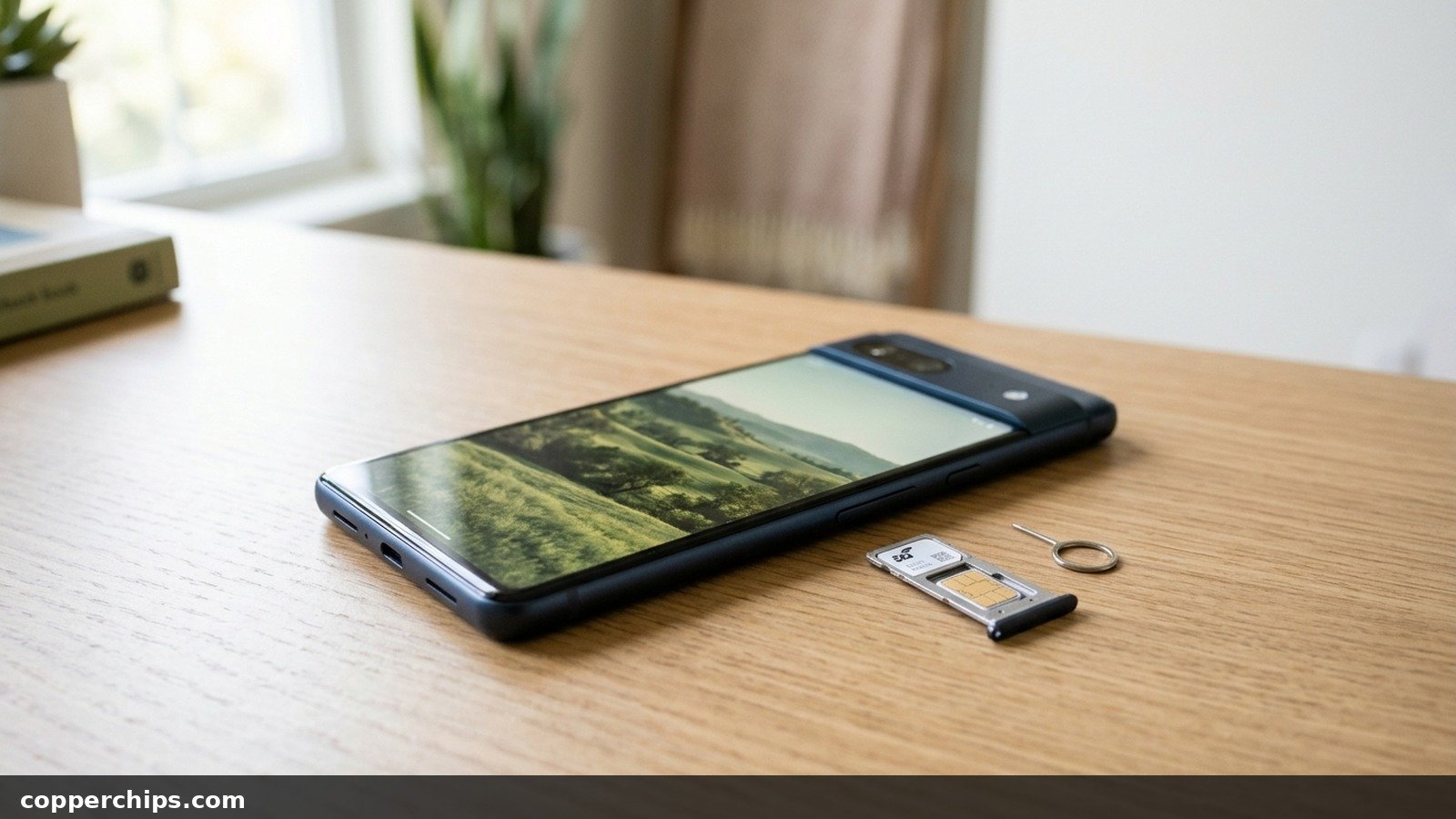
You bought a phone second-hand, or you just paid off your carrier plan, and now you want to switch networks. The listing said “unlocked.” The seller swore it was unlocked. Still, you want proof before you buy a new SIM or cancel your old line.
Here is how to tell if your phone is unlocked, on an iPhone or any Android model, using checks ranked by how much you can trust them. The settings check takes ten seconds. A SIM swap gives you the final word, and there is a way to test eSIM-only phones that have no tray at all.
On an iPhone, open Settings > General > About and look at the Carrier Lock row. “No SIM restrictions” means the phone is unlocked, while “SIM locked” means it is tied to one carrier. Android has no universal lock field, so the reliable test is a SIM from a different carrier: if you can make a call and load a web page, the phone is unlocked. If you see “SIM not supported” or a network unlock PIN prompt, it is locked. Your carrier can confirm the status from your IMEI (dial *#06# to see it).
- viPhone: The Carrier Lock row under Settings > General > About is close to definitive.
- vAndroid: Settings menus only hint at the answer, so finish with a SIM or eSIM from another carrier.
- vStill unsure: Call the carrier that sold the phone with the IMEI ready. Only that carrier can remove its lock.
What Carrier Locked and Unlocked Actually Mean
A carrier-locked phone has software that refuses SIM cards and eSIM profiles from other networks. A phone sold by AT&T, for example, will only accept AT&T or AT&T-owned prepaid lines until AT&T lifts the lock.
This has nothing to do with your screen passcode or an Activation Lock tied to someone’s Apple account. Those are separate locks, and a carrier cannot remove them for you.
Why carriers lock phones in the first place
Carriers sell phones on installment plans and with promotional discounts. The lock keeps you on their network until the phone is paid for, and it makes stolen phones less attractive to resell.
What an unlocked phone can and cannot do
An unlocked phone accepts lines from any carrier. That does not guarantee every feature works. Verizon’s own policy notes that an unlocked Verizon device may have limited functionality on another network because of differing network technologies, so check band support with your new carrier before you switch.
Rank Your Evidence Before You Start
Every guide lists four or five methods as if they were equal. They are not. Some prove the answer, and others only point toward it.
| Evidence tier | Methods | How far to trust it |
|---|---|---|
| Definitive | Working call and data on another carrier’s SIM or eSIM; written confirmation from the carrier | Settles the question. Nothing else needed. |
| Strong | iPhone Carrier Lock row; carrier lock menus on Samsung | Good enough for most decisions, rarely wrong. |
| Weak | Network operator lists on Android; third-party IMEI lookup sites; a seller’s word | A hint only. Confirm with a definitive check. |
If you are about to hand over money for a used phone, aim for definitive proof. For your own phone, a strong signal is usually enough.
How to Tell If Your Phone Is Unlocked: 6 Checks
Check 1: Read the Carrier Lock Row on an iPhone
Open the Settings app on the iPhone. This is the fastest check on any phone, and Apple documents it on its Apple’s carrier lock support page.
- Tap General.
- Tap About.
- Scroll to Carrier Lock.
“No SIM restrictions” means the iPhone is unlocked. “SIM locked” means it still belongs to a carrier’s network. The row appears in iOS 14 and later, so update an older iPhone first if you do not see it.
Check 2: Look for the Lock Status on Android by Brand
Start with your phone’s brand-specific menu. Android has no single Carrier Lock field, and each manufacturer and carrier handles it differently.
Samsung Galaxy: On many T-Mobile and Metro Galaxy phones, go to Settings > Connections > More connection settings > Network unlock. That screen reports the current lock state. Some Galaxy models also respond to the dialer code *#7465625#, which opens a network lock screen, though carrier firmware often blocks it.
Google Pixel: Pixels have no lock status row. A rough hint is Settings > System > Developer options > OEM unlocking. A greyed-out toggle often points to a carrier lock, yet Verizon-sold Pixels keep it greyed out even after Verizon removes the network lock. So it can mislead you.
Motorola and other models: Go to Settings > Network & internet > SIMs, pick your line, and turn off Automatically select network. The phone then scans and lists nearby carriers. Seeing other carriers in the list is a weak signal only, since a locked phone may still display them and refuse to register.
Check 3: Read the Error Message Correctly
Match what your screen says to this table. Most people search for this topic right after a message pops up, and the exact wording tells you a lot.
| What you see | Where | Verdict |
|---|---|---|
| No SIM restrictions | iPhone Settings > General > About | Unlocked |
| SIM locked | iPhone Settings > General > About | Locked to the original carrier |
| SIM Not Supported | iPhone pop-up after inserting another carrier’s SIM | Locked |
| SIM network unlock PIN | Android lock screen after inserting another carrier’s SIM | Locked |
| No SIM / Invalid SIM | Status bar on either platform | Unclear. Often a dead or unactivated SIM, so retest with a known-good card |
| Carrier settings update | iPhone pop-up after a SIM change | Neutral. It loads the new carrier’s network profile and says nothing about the lock |
The carrier settings prompt confuses many people. Accept it, then run a test call. The update itself never changes lock status.
Check 4: Run the SIM Swap Test
Borrow an active SIM card from a different carrier. This is the definitive test, and it takes about five minutes.
- Make a quick call on your current SIM so you know the phone’s radio works.
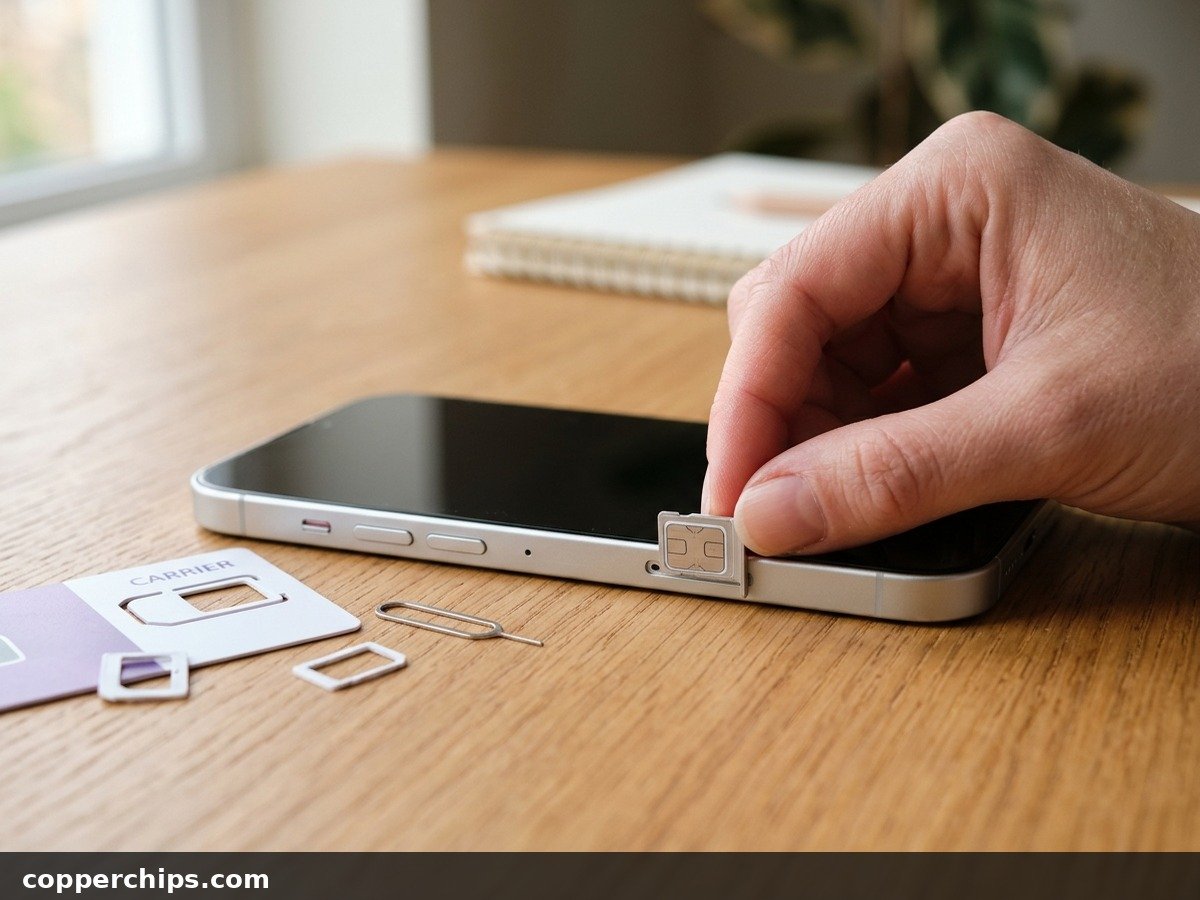
- Power the phone off and use a SIM tool or straightened paper clip to eject the tray.
- Insert the other carrier’s SIM and power on.
- Wait a minute for signal bars and the carrier name to appear.
- Call a number you know and open a web page with WiFi turned off.
If the call connects and the page loads, the phone is unlocked. A lock message, or bars with no service, means it is still locked or the borrowed line is not active. Try a second SIM before you decide, because a single failed test can be the card’s fault.
Check 5: Test an eSIM-Only Phone
Use an eSIM from another carrier instead of a physical card. US iPhone 14 and later models have no SIM tray, so you cannot swap a borrowed card.
Carriers sometimes offer free eSIM trials that install from an app; T-Mobile’s has gone by the name Network Pass. A short prepaid or travel data eSIM works the same way. If the phone refuses to install or activate the profile, it is locked. If it registers and loads data, it is unlocked.
On dual-SIM phones, check that the test line goes into an empty slot rather than replacing your main eSIM. On an iPhone, Settings > Cellular shows both lines and which one carries data.
Check 6: Use the IMEI and Ask Your Carrier
Dial *#06# on the phone keypad. The IMEI appears on screen without pressing call. Dual-SIM phones show two numbers, one per line. If a carrier asks for only one, read the first, then offer the second if their system finds nothing.
With the IMEI in hand, dial 611 from a line on the carrier that sold the phone, or use the carrier’s app or website. Ask a direct question: “Is the network lock removed on this IMEI?” Ask for an email or text confirming the answer.
Still Not Working? What to Do If the Phone Is Locked
If your checks say “locked,” the fix goes through the original carrier. Apple says the same thing plainly: only your carrier can lift the lock on an iPhone, and the request might take a few days.
Rules differ by carrier and change often. Verizon’s Verizon device unlocking policy, updated in February 2026, works like this:
- Postpaid: the lock comes off automatically once the phone is bought at full retail price or once the financing balance is paid in full.
- Gift card payoff: lock removal is delayed by 35 days while the funds are verified.
- Prepaid: the lock stays on until 365 days of paid, active service.
- Lost or stolen reports: the device stays locked until the report is cleared.
AT&T and T-Mobile both run online lock removal request pages with their own eligibility rules, usually tied to the phone being paid off and active for a set period. Check the current rules on the carrier’s site before you call.
Skip third-party “remote unlock” services. Many cannot change the carrier’s records at all, and a phone reported lost or stolen will stay blocked no matter what they claim.
Once the carrier confirms the lock is gone, power the phone off and on, then insert the new carrier’s SIM. On an iPhone, the Carrier Lock row should now read “No SIM restrictions.”
Check Before You Buy Second-Hand
A locked used phone costs you time and sometimes the whole purchase. Run these checks before money changes hands.
Questions to ask the seller
- Which carrier sold it originally, and is it fully paid off?
- Can you show me the Carrier Lock row (iPhone) or put my SIM in now?
- Has the phone been signed out of your Apple or Google account?
Red flags in a listing
- “Unlocked” in the title with a carrier logo on the boot screen and no proof.
- The seller refuses a SIM test or a photo of the About screen.
- A price far below similar listings, which can point to an unpaid balance or a blacklisted IMEI.
If you meet in person, bring your own SIM. A two-minute test call beats any promise.
Frequently Asked Questions
Does the IMEI number tell if the phone is unlocked?
The IMEI itself contains no lock information. The carrier uses it to look up lock status in its own records. Give it to the carrier that sold the phone for a reliable answer, and treat third-party IMEI checkers as a guess.
Why is there no Carrier Lock row in my iPhone settings?
The row appears in iOS 14 and later, so update first. If it is still missing on current iOS, the phone may be a refurbished or repaired unit. Use a SIM or eSIM from another carrier to get a definitive answer.
Is a phone bought outright from the manufacturer always unlocked?
Phones bought at full price directly from Apple, Samsung or Google are generally sold unlocked. A phone bought outright from a carrier store can still ship locked, though Verizon now lifts the lock on postpaid phones once they are paid in full. Check the settings or run a SIM test either way.
Can I check lock status without a second SIM card?
Yes. iPhones show the Carrier Lock row in Settings, and some Samsung phones have a Network unlock menu. You can also install a trial or prepaid eSIM from another carrier, or ask the original carrier using the IMEI.
Will unlocking my phone delete any data?
Removing a carrier lock does not erase photos, apps or settings. Some carriers ask you to restart the phone or insert a new SIM to apply the change. Back up anyway before switching carriers, since moving lines can involve an eSIM transfer.
The Bottom Line
Start with the cheapest proof. On an iPhone, the Carrier Lock row answers the question in seconds. On Android, use your brand’s menu as a hint, then confirm with another carrier’s SIM or eSIM.
If anything still looks unclear, the carrier that sold the phone has the final record. Call with the IMEI ready and ask for written confirmation. Got a phone with display trouble while you are at it? Our guide to fixing a white spot on a phone screen covers that, and the Android troubleshooting guides hub has more phone fixes.