

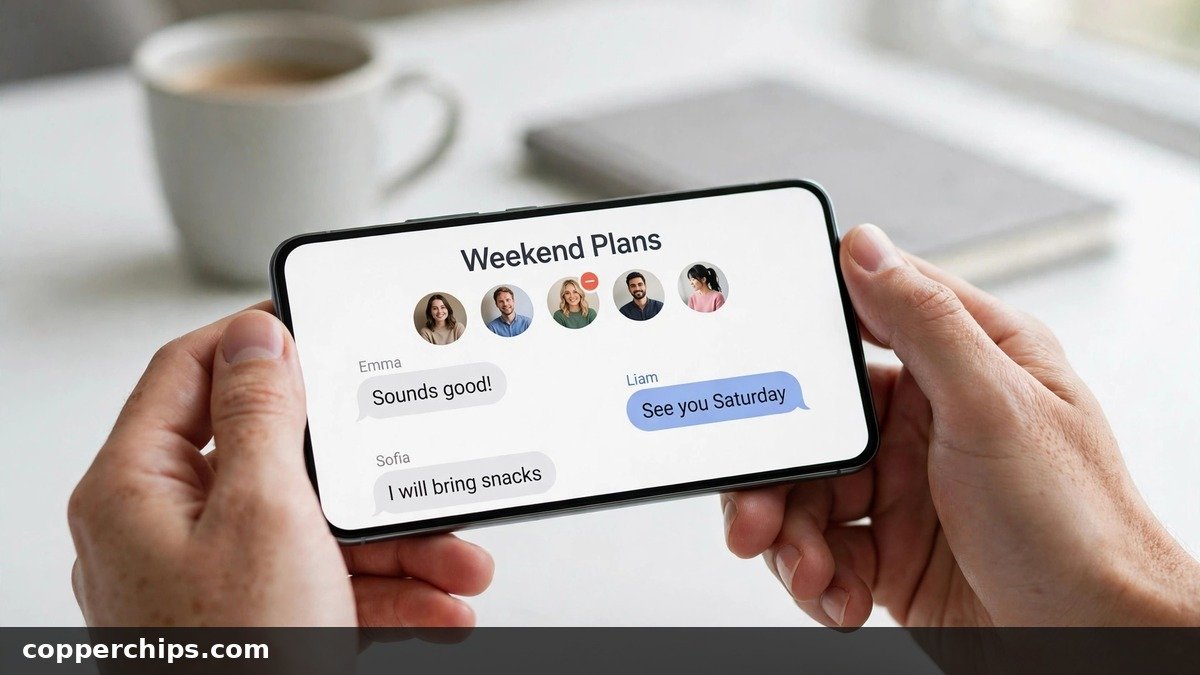
Someone left the team, the trip is over, or one person in the family chat keeps replying at 2 a.m. You open the thread, look for a remove button, and it is not there. That missing button is the most common reason people search “how do I remove someone from a group text message,” and it almost always comes down to what kind of chat you are in.
This guide shows the exact steps on iPhone, Google Messages and Samsung Messages, explains why the option disappears, and gives you clean workarounds for the chats where removal is impossible. You will also learn what the removed person actually sees, so there are no surprises.
On iPhone, open the group, tap the group icons at the top, press and hold the person, then tap Remove from Group and Remove. This only works in an iMessage group with four or more people where everyone uses an Apple device. On Android, open the chat in Google Messages, tap the three-dot menu, choose Group details, tap the person and pick Remove from group. That needs an RCS group chat. Plain SMS/MMS groups (green bubbles) cannot remove anyone, so start a new group without that person.
- vChat type decides everything: iMessage and RCS groups let you remove people. SMS/MMS groups never do.
- viPhone rule: the group needs at least four people, all on Apple devices, before Remove from Group shows up.
- vNo remove button? Start a fresh group without that person, then mute or leave the old thread.
First, Check What Kind of Group Text You Have
Spend ten seconds on this before you hunt through menus. Group texts run on one of three systems, and each has different rules.
- iMessage (blue bubbles on iPhone): Apple’s own service. Everyone in the chat must be on an iPhone, iPad or Mac. Removal works if the group is big enough.
- RCS (Google Messages and newer Samsung Messages): the modern Android standard, also used between iPhone and Android since iOS 18. Android users can remove people when the chat is a true RCS group.
- SMS/MMS (green bubbles on iPhone, “Text message” in the Android compose box): the old carrier system. Each message is sent as a separate copy to every number, so there is no shared group to edit.
On iPhone, the color tells you. Blue bubbles mean iMessage, green means SMS, MMS or RCS. On Android, look at the compose field: “RCS message” or “Chat message” means RCS, while “Text message” or “MMS” means the old system.
How to Remove Someone From a Group Text on iPhone
These steps come straight from Apple’s group text support page and work on current iOS versions.
- Open Messages and tap the group conversation.
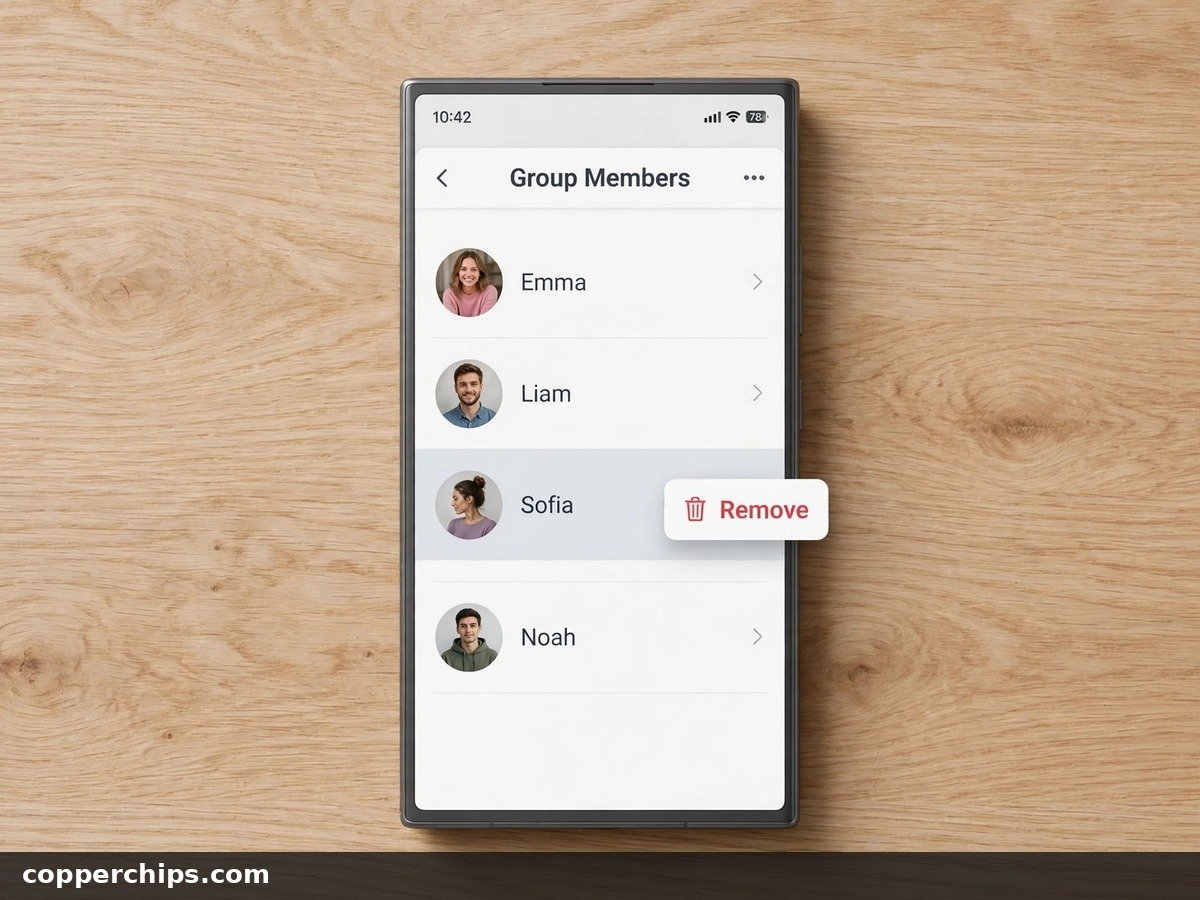
- Tap the group icons (the stack of contact pictures) at the top of the thread.
- In the list of contacts, press and hold the person you want to remove.
- Tap Remove from Group, then tap Remove to confirm.
On iOS 14 or earlier, tap the Info button (the small “i”) instead of the group icons, then swipe left on the name. The person disappears from the member list right away, and new messages stop reaching them.
Why the Remove Option Is Missing on iPhone
Apple sets two hard limits. The group must have four or more people, counting you, and every single member must be using iMessage on an Apple device.
That second rule catches most people. One Android user in the chat turns the whole group into SMS, MMS or RCS, and the Remove from Group option vanishes. It also hides if a member’s iMessage is switched off, which happens when someone moves to a new phone and forgets to sign in.
How to Remove Someone From a Group Text on Android
Android has two common texting apps, and the steps differ slightly. Both need the group to be an RCS chat.
Google Messages (Pixel, Motorola, OnePlus and most others)
- Open Google Messages and tap the group conversation.
- Tap the three-dot menu in the top-right corner, then tap Group details. Tapping the group name at the top often opens the same screen.
- Under the member list, tap the person you want to remove.
- Tap Remove from group and confirm.
If the person’s name shows no options at all, the chat is running as MMS. That happens when even one member has RCS turned off or uses a carrier that does not support it.
Samsung Messages (Galaxy Phones)
- Open Messages and tap the group chat.
- Tap the menu icon (three lines or three dots, depending on your One UI version) in the top corner.
- Tap the participant’s name in the member list.
- Choose Remove from group or Remove participant and confirm.
Many Galaxy phones now ship with Google Messages as the default app, so check which app actually holds the conversation. If Samsung Messages refuses to edit the group, go to Settings > Multimedia messages and confirm Group conversations is switched on.
How to Turn On RCS So Removal Works
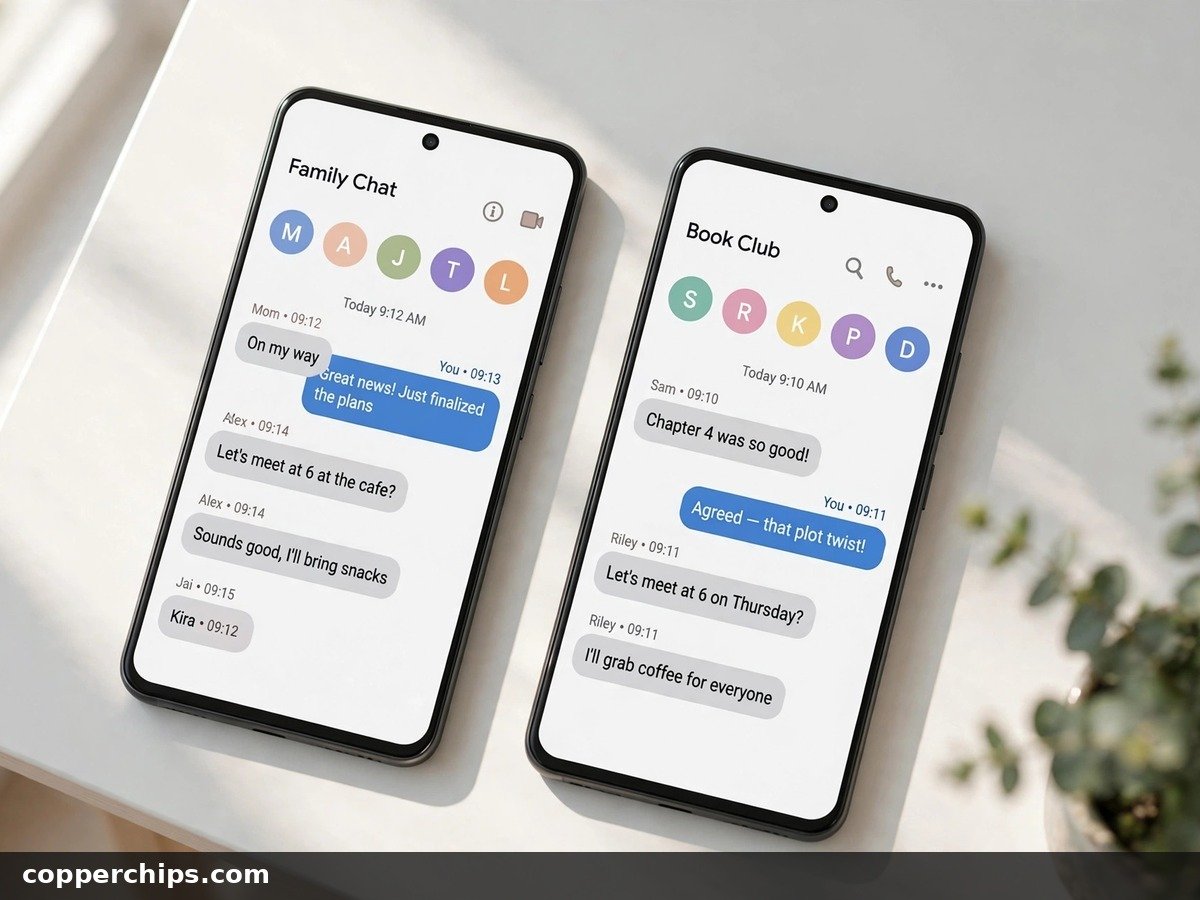
In Google Messages, tap your profile picture, then Messages settings > RCS chats, and switch Turn on RCS chats on. The status should read “Connected” within a few minutes. Google’s own guide to turning on RCS chats covers carrier issues if it stays on “Setting up.”
Turning RCS on only helps new group chats. An existing MMS group usually stays MMS, so you may still need to start a fresh RCS group.
Why You Can’t Remove Someone From an SMS or MMS Group
SMS and MMS were built in the 1990s and 2000s for one-to-one texting. A “group” MMS is really your phone sending the same message to a list of numbers, and each reply goes back out the same way. No server keeps a member list, so there is nothing to edit.
This is also why mixed iPhone and Android groups give everyone trouble. Apple’s support page states that adding a non-Apple user means creating a new group, and that chat runs on SMS, MMS or RCS by default. Even with RCS between iPhone and Android, iPhones still cannot remove people from those cross-platform groups, because Apple’s remove feature only covers all-Apple chats.
What to Do When You Can’t Remove Someone
When the button is not there, you have three clean options. Pick the one that matches how much drama you want to avoid.
Option 1: Start a New Group Without Them
- Create a new message and add everyone except the person you are leaving out.
- Send a short first message so people know which thread to use, such as “Moving the trip chat here.”
- Give the new group a name (iMessage and RCS only) so it stands out from the old one.
- Mute or delete the old thread on your phone.
Ask the others to stop replying in the old thread. Any reply there still reaches the person you wanted out.
Option 2: Mute the Old Group
On iPhone, swipe left on the conversation and tap the bell icon, or open the group icons and turn on Hide Alerts. In Google Messages, open the group, tap the three-dot menu, then Group details > Notifications and set it to silent. The messages still arrive, but your phone stays quiet.
Option 3: Remove Yourself Instead
On iPhone, tap the group icons, scroll down and tap Leave this Conversation, then confirm. Apple says this needs three other people on the thread, all on Apple devices. In an RCS group on Google Messages, open Group details and tap Leave group. SMS/MMS groups have no leave option, so muting or blocking is the only way out there.
If You Remove Someone From a Group Text, Will They Know?
Yes, in most cases. Removal in iMessage and RCS is not silent.
- Everyone still in the chat sees a status line in the thread saying you removed that person.
- The removed person sees a line telling them they were removed, and new messages stop arriving.
- Old messages stay on the removed person’s phone. Removal does not delete history they already received.
- Shared projects such as a Freeform board or shared Notes may still be open to them. Apple notes that the app hosting the project controls access, so remove them there too.
Starting a new group is the quieter route. The left-out person gets no alert, although they may notice the old thread has gone silent.
Still Not Working? Try This
If you are sure the group should qualify but the option still will not appear, work through these checks.
- Update the app and the phone. Older versions of iOS, Google Messages and Samsung Messages hide group controls or label them differently.
- Check every member’s bubble color. On iPhone, one green-bubble contact means the group is not pure iMessage.
- Confirm your iMessage is on. Go to Settings > Apps > Messages (or Settings > Messages on older iOS) and check that iMessage is switched on and shows your number.
- Check RCS status on Android. If RCS chats says “Setting up” or “Disconnected,” group editing will not work until it reads “Connected.”
- Look for duplicate threads. Phones sometimes split a group into two threads, one iMessage and one SMS. Make sure you are editing the right one.
If none of that helps, the limit is on the protocol side, not your phone. A new group is the only reliable fix. If one person keeps re-adding themselves or spamming the chat, block their number from the contact’s details screen.
Frequently Asked Questions
Why can’t I remove someone from a group text on iPhone?
The group either has fewer than four people or includes someone who is not on iMessage. Apple only allows removal in all-Apple groups of four or more. Any green-bubble member blocks the option for everyone.
Can I remove an Android user from an iPhone group text?
No. A group with an Android member runs on SMS, MMS or RCS, and Apple’s remove feature only works in iMessage groups. Create a new group without that person instead.
Can I remove someone from a group chat without them knowing?
Not in iMessage or RCS, since both post a notice in the thread. The closest option is starting a new group without them, which sends no alert.
Can a removed person still see old messages?
Yes. Everything they received before removal stays on their device. They simply stop getting new messages from that group.
How do I delete a contact out of a group on Android?
In Google Messages, open the chat, tap the three-dot menu, choose Group details, tap the contact and pick Remove from group. It only appears in RCS group chats.
The Bottom Line
Check the chat type first, because it decides whether removal is even possible. iMessage groups of four or more and RCS groups on Android let you remove someone in a few taps. Everything else needs a new group, plus a mute or leave on the old one.
For more texting fixes, browse our messaging how-to guides. If you just switched phones and texts are acting strange, our guide on checking if your phone is unlocked may also help.
