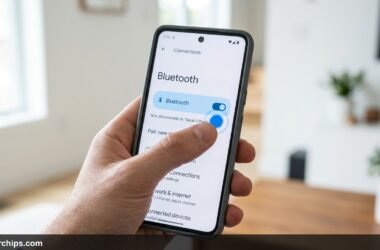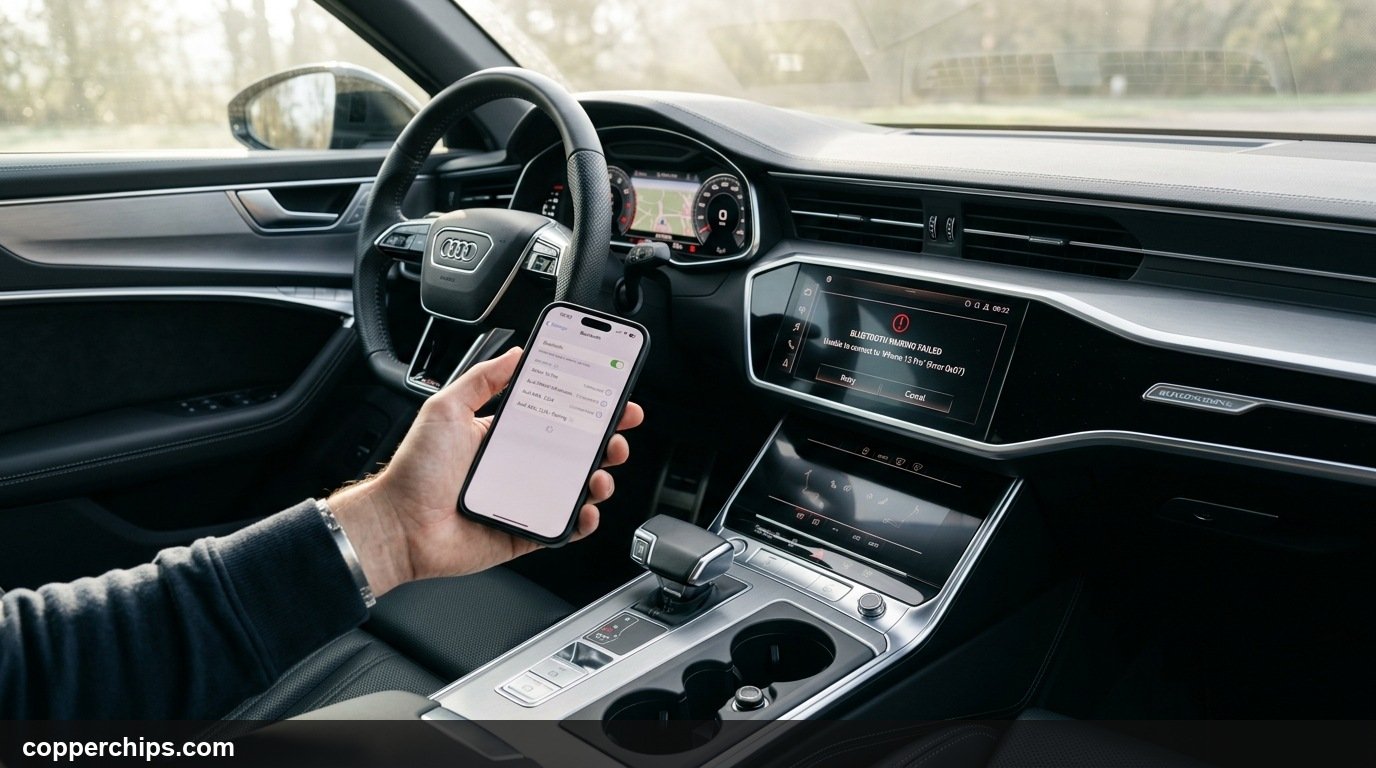
You start your engine, wait for your favorite playlist or navigation directions to start, and get greeted by silence. When asking why won’t my phone connect to my car, toggling your phone Bluetooth icon on and off rarely solves the underlying communication breakdown. Automotive head units and modern smartphones exchange cryptographic keys during every handshake under Bluetooth SIG Hands-Free Profile specifications, and a single mismatched security token stops audio transmission cold.
Most connection failures stem from corrupted pairing profiles stored in your vehicle memory, background Bluetooth cache conflicts, or interference from wireless CarPlay (troubleshot via the Apple official CarPlay connection troubleshooting guide) and Google Android Auto connection troubleshooting support handoffs. Following a systematic diagnostic elimination sequence restores hands-free calling and streaming audio within minutes.
Perform a complete two-way unpair. Delete your phone from the car infotainment paired device list, and tap “Forget This Device” on your phone Bluetooth menu. Power cycle both your phone and your car engine. If pairing still fails, clear your Android Bluetooth system app cache (Settings > Apps > Show System Apps > Bluetooth > Storage > Clear Cache) or reset iOS network settings. This wipes corrupted security tokens and establishes a clean handshake.
- vTwo-Way Unpairing: Deleting the pairing record on only one device leaves conflicting encryption keys behind.
- vMemory Overload: Factory infotainment systems crash when paired device lists exceed 5 to 7 legacy phones.
- vCarPlay / Android Auto Conflict: Wireless projection protocols override standard Bluetooth audio profiles.
Why Your Car Refuses to Connect to Your Phone
Automotive Bluetooth operates differently from standard home audio receivers. Car stereos use multi-profile connectivity simultaneously, including Hands-Free Profile (HFP) for telephone audio, Advanced Audio Distribution Profile (A2DP) for music streaming, and Phone Book Access Profile (PBAP) to download your contact lists.
When any single profile fails to authenticate, the entire connection often disconnects repeatedly. For instance, if your phone restricts PBAP contact sharing permissions during initial pairing, the car infotainment system may abort the A2DP music streaming channel entirely.
Vehicle firmware age presents another common barrier. Operating system updates on iOS 17 or Android 14 introduce upgraded Bluetooth security standards that older infotainment consoles struggle to negotiate without a software patch.
How to Fix Phone Not Connecting to Car: 8 Proven Steps
Fix 1: The Full Two-Way Unpair Protocol
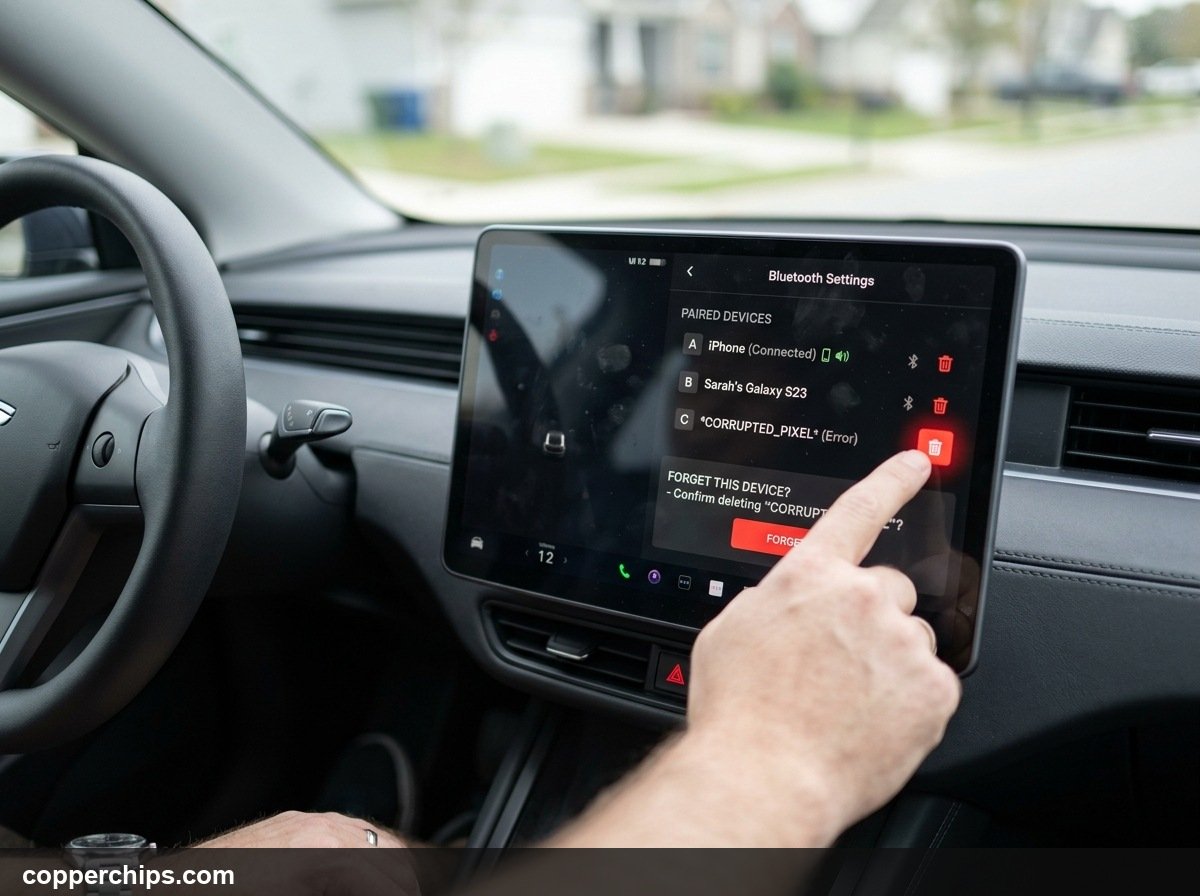
Delete the stored connection profile from both the car and your phone. Most drivers only delete the car from their phone settings, leaving a stale device profile active in the vehicle computer.
- Open your car touchscreen settings and locate the Bluetooth or Phone Settings menu.
- Open the list of Paired Devices.
- Select your smartphone and tap Delete, Unpair, or the red trash can icon.
- Now take your phone, navigate to Settings > Bluetooth, find your car name, and tap the information icon (or gear icon).
- Select Forget This Device or Unpair.
- Turn off your vehicle ignition, open the driver door to shut down the radio completely, wait 30 seconds, and restart.
Performing a mutual wipe eliminates outdated link keys. Re-pairing after this process forces both systems to negotiate clean encryption credentials from scratch.
Fix 2: Clear Maxed-Out Car Infotainment Memory
Purge all old smartphones registered in your car memory. Older factory radios from Toyota, Honda, Ford, and Chevy often store a maximum of five paired devices before refusing to register any new MAC addresses.
- Access your car radio setup menu while the vehicle is parked.
- Browse through the device list and delete phones belonging to previous owners, family members, or retired devices.
- If the system menu offers an option for Reset Bluetooth Audio Settings, select it.
Clearing the device table releases internal buffer capacity. This prevents the head unit memory controller from locking up during new pairing requests.
Fix 3: Clear Phone Bluetooth System Cache (Android)
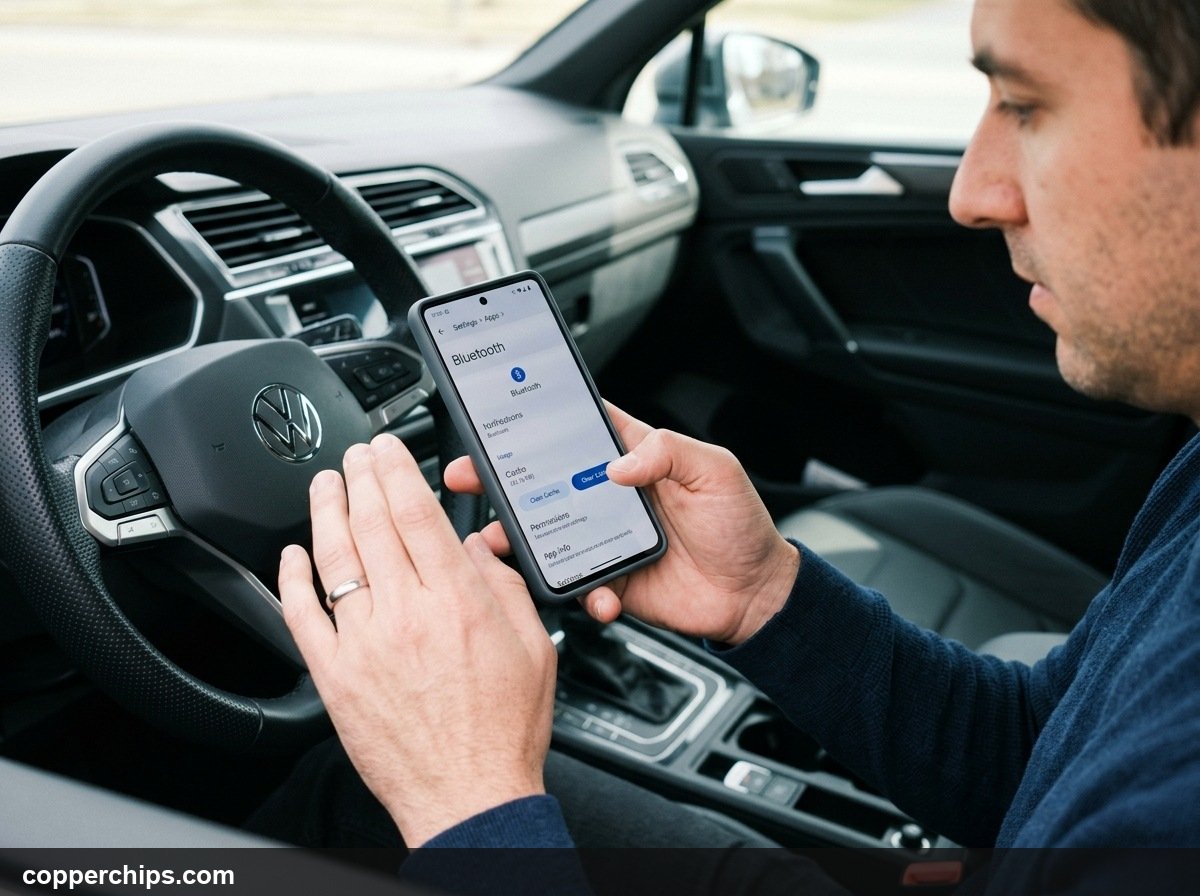
Flush corrupted temporary handshake files stored in the Android system cache. Over months of pairing with headphones, smartwatches, and speakers, Android Bluetooth cache accumulates stale connection fragments.
- Open Settings on your Android device.
- Tap Apps, then tap the menu dots in the top corner and select Show system apps.
- Scroll down to find Bluetooth (or Bluetooth Legacy).
- Tap Storage & cache.
- Tap Clear Cache, then tap Clear Storage (or Clear Data).
- Restart your phone.
This action refreshes internal Android radio services without wiping your personal photos or text messages.
Fix 4: Reset Network Settings (iPhone & Android)
Restore mobile networking parameters to default operating status. A corrupt baseband configuration can prevent radio frequency handshakes even when Bluetooth toggles appear active.
| Operating System | Exact Navigation Path | What Gets Reset |
|---|---|---|
| Apple iOS 17 / 16 | Settings > General > Transfer or Reset iPhone > Reset > Reset Network Settings | Wi-Fi passwords, Bluetooth pairings, cellular settings |
| Samsung One UI 6 | Settings > General management > Reset > Reset Wi-Fi and Bluetooth settings | Only Wi-Fi networks and Bluetooth device pairings |
| Google Pixel / Stock | Settings > System > Reset options > Reset Bluetooth & Wi-Fi | Local wireless network and paired device registries |
Your phone will reboot automatically after confirming the reset. Note that you will need to re-enter your home Wi-Fi password afterwards.
Fix 5: Disable Conflicting Wireless CarPlay and Android Auto
Prevent wireless projection services from locking the Bluetooth radio. Wireless Apple CarPlay and Android Auto initialize via Bluetooth, but rapidly hand communication over to an ad-hoc Wi-Fi channel.
- If your car supports wireless CarPlay, go to Settings > General > CarPlay on your iPhone.
- Select your vehicle and toggle off CarPlay temporarily.
- On Android, open Settings > Connected devices > Connection preferences > Android Auto and toggle off Wireless Android Auto.
- Attempt a direct connection through regular vehicle Bluetooth audio.
If audio returns immediately, the glitch was caused by an incomplete Wi-Fi projection handshake rather than standard Bluetooth failure.
Fix 6: Enable Contact & Media Permissions
Grant the car head unit full profile authorization. When you first pair a phone, a permission popup requests access to contacts and media streaming. Rejecting or ignoring this dialog can cause the head unit to reject the device.
- On iPhone, go to Settings > Bluetooth and tap the small blue (i) icon next to your car name.
- Toggle on Sync Contacts and Show Notifications.
- On Android, go to Settings > Connected devices and tap the gear icon next to your car.
- Verify that Phone calls, Media audio, and Contact sharing are all toggled on.
Granting access satisfies the head unit initialization check, enabling the radio to launch audio playback reliably.
Fix 7: Perform a Hard Infotainment Reboot
Force your car dashboard computer to reboot its operating system. Just like a computer, car infotainment units run internal software that can freeze without shutting down when the engine turns off.
- Ford SYNC: Hold the Power button (center of volume dial) and the Seek Right (>>) button simultaneously for 10 seconds.
- Honda / Acura: Press and hold the audio system Power knob for 10 seconds, then tap Yes to reboot.
- Toyota / Lexus: Press and hold the volume knob continuously for 12 seconds until the screen reboots.
- Tesla: Press and hold both steering wheel scroll wheels simultaneously until the center screen shuts off.
Fix 8: Check for Smartwatch & Accessory Interception
Disconnect competing wearable devices that hijack your phone audio channels. Smartwatches from Apple, Samsung, or Garmin constantly utilize Bluetooth Low Energy (BLE) channels.
- Temporarily place your smartwatch in Airplane Mode.
- Turn off any nearby Bluetooth earbuds resting in your bag or pocket.
- Attempt to pair your phone to the vehicle once more.
Eliminating competing peripherals allows your phone modem to dedicate full signal bandwidth to the car transceiver.
Still Not Working? Try This
If your phone pairs smoothly with home speakers and headphones but refuses to connect to your vehicle, test the hardware systematically. Borrow a friend or family member phone and attempt to connect it to your car. If their phone also fails to detect the car Bluetooth signal, your vehicle Bluetooth receiver module may be damaged or require a dealer firmware update.
Automakers release periodic software patches to resolve smartphone compatibility issues. Check your vehicle manufacturer support website or contact your local dealership service department to verify whether an infotainment recall or firmware update exists for your model year.
If your car has a legacy radio with outdated Bluetooth protocols, bypass the factory receiver using an auxiliary Bluetooth adapter.
[AFFILIATE LINK: Low-Latency Bluetooth 5.3 Car Aux Adapter]Frequently Asked Questions
Why did my phone suddenly stop connecting to my car Bluetooth?
Sudden disconnects usually occur following an operating system update on your smartphone or when multiple family devices compete for vehicle connection priority. Performing a two-way unpair and restarting both systems resolves the encryption token mismatch.
Can I connect my phone to my car if my Bluetooth is broken?
Yes. You can use a direct USB cable connection for wired Apple CarPlay or Android Auto. If your vehicle lacks USB media playback, you can plug a 3.5mm auxiliary audio cable between your phone headphone adapter and the car aux port.
Why does my phone say Connected but no sound comes out of the car speakers?
This happens when the Bluetooth Hands-Free Profile (calls) connects successfully, but the Media Audio (A2DP) profile is unassigned. Check your phone Bluetooth settings for your car and verify that the Media Audio toggle is active.
Does deleting a car from Bluetooth delete my personal phone data?
No. Unpairing only removes the wireless communication profile and security key between the phone and the car. Your apps, contacts, photos, and personal data remain completely untouched on your device.
The Bottom Line
Restoring a dropped connection between your phone and your car usually takes less than three minutes. Start with the two-way unpair protocol to clear corrupted security keys, and wipe out obsolete phones clogging the vehicle memory.
For more wireless connectivity troubleshooting advice, read our guide on how to enable Bluetooth on any device or visit our library of Bluetooth troubleshooting and pairing guides.