

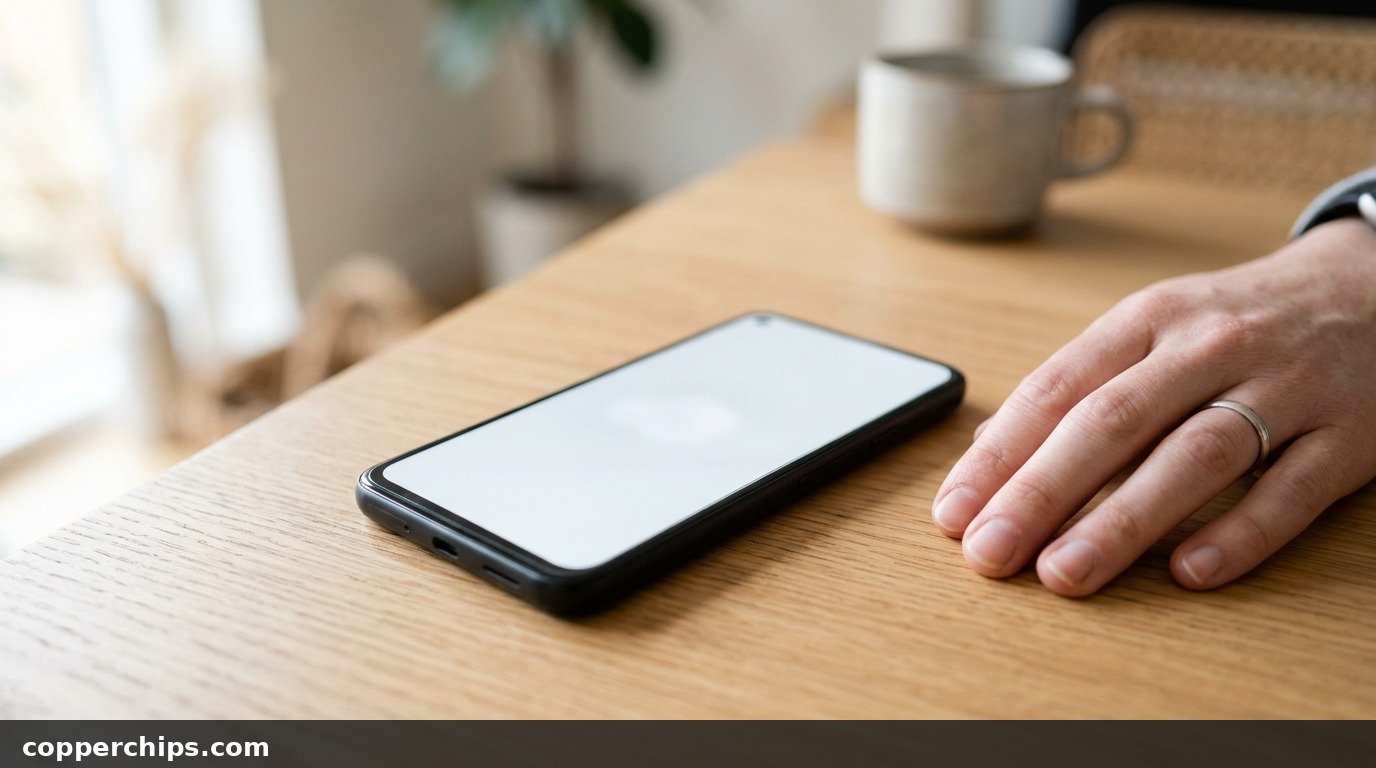
You notice it on a WhatsApp chat or a white web page: a small glowing white spot on your mobile screen that will not go away. Maybe it showed up after a long bike ride with the phone in your back pocket, or a week after a local shop changed your display.
A white spot on mobile screen displays can be a software overlay, dust under the tempered glass, a stuck pixel or real pressure damage. Each one has a different fix, and some cost nothing. This guide shows a 10-second test to find out which one you have, then the fixes in order, for Redmi, Realme, Vivo, Oppo, Samsung, OnePlus and iPhone.
Take a screenshot first. A white spot that shows up in the screenshot is software: turn off Show taps in Developer options or AssistiveTouch on iPhone. When it does not, remove the tempered glass to rule out dust or an air bubble. A tiny sharp dot that stays white on every colour is a stuck pixel, and a pixel-fixer app may help. A cloudy white patch that is easiest to see on a white background is pressure damage to an LCD panel. That needs a display replacement at an authorised service centre.
- vMost common cause: Pressure on an LCD screen from a back pocket, a tight case or a swollen battery, which shows as a soft white patch.
- vFree checks first: The screenshot test and removing the screen guard solve a surprising number of “white spot” complaints.
- vWhen to stop: A spot that grows, a screen that lifts from the frame or a phone that feels warm and bulged needs a service centre, not more home fixes.
What Causes a White Spot on Mobile Screen Displays
Your phone has one of two kinds of display, and the cause depends on which one. Budget and many mid-range phones from Redmi, Realme, Poco, Samsung’s M and older A series use LCD screens. Most Samsung Galaxy S and newer A models, OnePlus phones and iPhones from the iPhone X onward use AMOLED or OLED.
An LCD has a backlight behind the image, with thin films that spread the light evenly. Press on those films and the light bunches up in one place. That is the cloudy white patch most people see. An OLED has no backlight, since each pixel makes its own light, so a white spot there is usually a stuck pixel or panel damage.
Not sure which you have? Open a fully black image in a dark room at full brightness. A screen that glows grey is LCD. If black looks like the phone is switched off, it is OLED.
The usual causes, from most to least common:
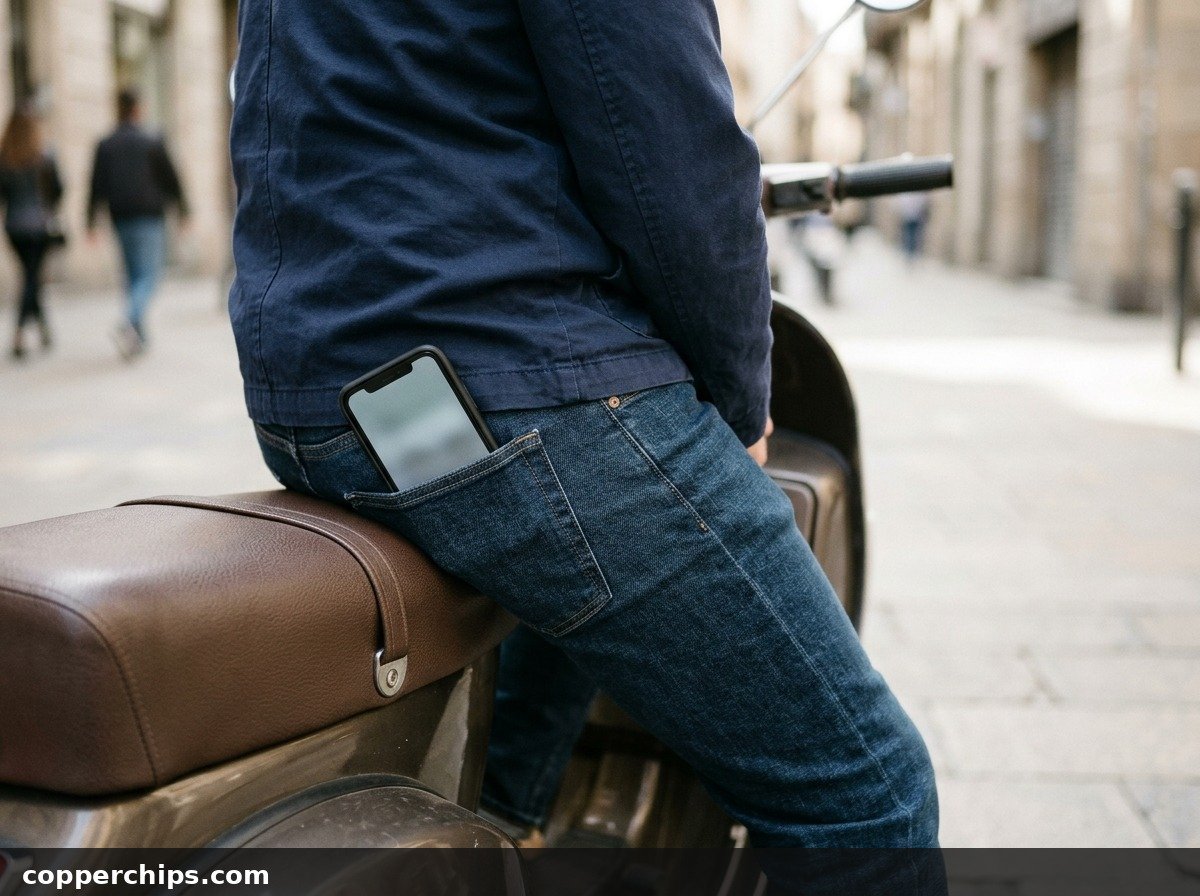
- Pressure marks. Sitting on the phone in a back pocket, riding a two-wheeler with it pressed against your thigh, or a tight flip cover.
- Dust or air under tempered glass. Very common with screen guards fitted at roadside stalls.
- A stuck pixel. One tiny sharp dot where all three sub-pixels stay on.
- A swollen battery. It pushes the display from behind and creates patches near the middle.
- Heat or moisture. A phone left on a car dashboard in May, or caught in monsoon rain, can damage display layers.
- A low-quality replacement display. Cheap “copy” panels fitted at local shops sometimes show spots within weeks.
How to Fix a White Spot on Mobile Screen: 7 Steps
Step 1: Take a Screenshot (the 10-Second Test)
Take a screenshot and open it on another phone or a laptop. A screenshot captures what the software draws, not what the glass shows.
- If the white spot appears in the screenshot, something on the phone is drawing it. Go to Step 2.
- A clean screenshot means the spot is physical. Skip to Step 3.
Most Android phones take a screenshot with Power + Volume Down. On iPhones with Face ID, press the side button and Volume Up together.
Step 2: Turn Off Software Overlays
Switch off the features that draw circles or buttons on top of every app. These are easy to turn on by accident.
Android (Redmi, Realme, Vivo, Oppo, Samsung, OnePlus):
- Open Settings and search for Developer options. If it does not appear, these settings were never turned on and you can skip this list.
- Turn off Show taps. It draws a white circle wherever you touch.
- Turn off Pointer location, which adds lines and a crosshair.
- Check for a floating ball or dot from a Quick ball, Smart sidebar, Assistive ball or screen recorder app, and turn it off in that feature’s settings.
iPhone: go to Settings > Accessibility > Touch > AssistiveTouch and turn it off. That removes the grey and white floating button.
A small green or orange dot near the top is different. It is the privacy indicator showing an app is using the camera or microphone, and it goes away when that app closes.
Step 3: Remove the Screen Guard and Clean the Glass
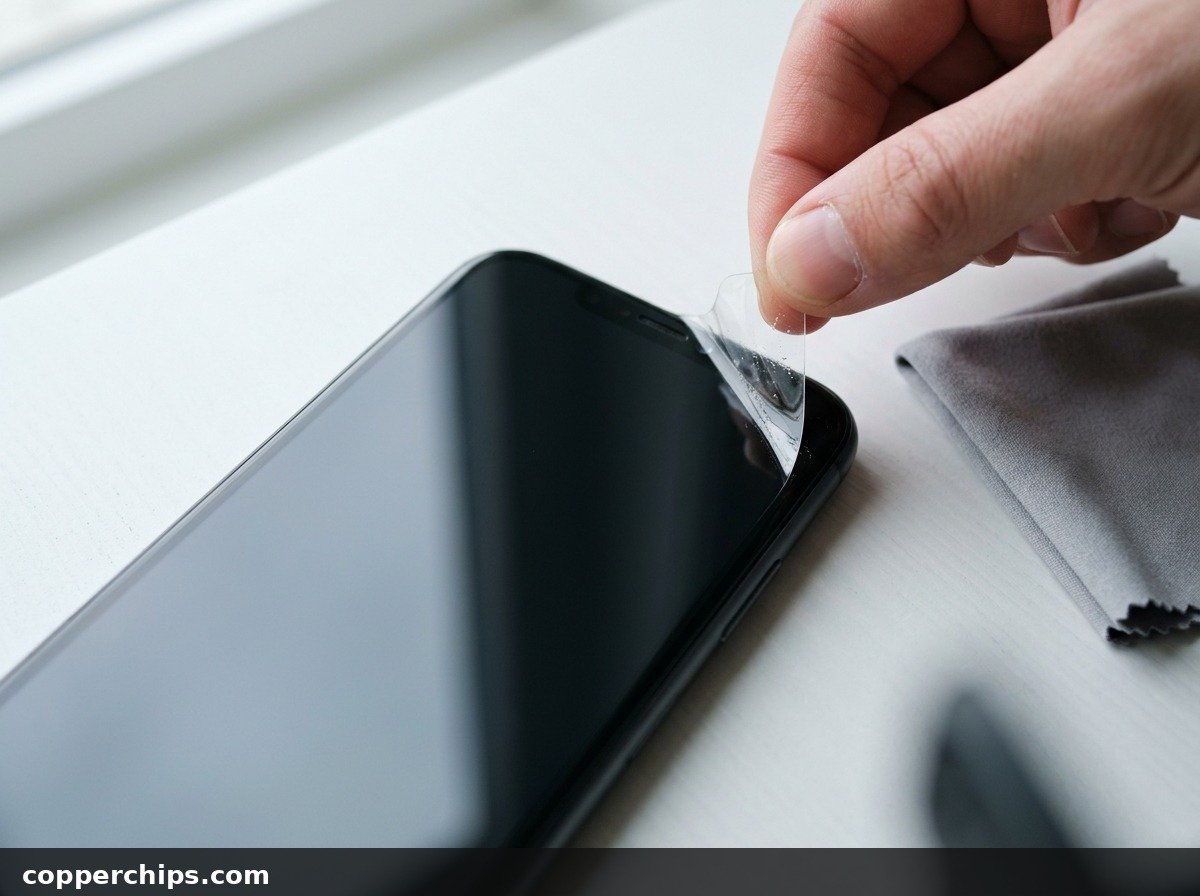
Peel off the tempered glass or film and look at the bare screen. Dust trapped under a guard, a small air pocket or a crack in the guard itself can all look like a white dot.
- Lift one corner with a fingernail or a thin plastic card. Never use a metal blade.
- Wipe the screen with a dry microfibre cloth.
- Check the spot on a white background at full brightness.
If the spot is gone, fit a fresh guard in a dust-free room, or ask the shop to fit it under a dust cover.
Step 4: Restart and Update the Phone
Restart the phone, then install any pending system update. Display driver bugs after an update occasionally leave bright blocks or dots that a restart clears.
On Android, open Settings > Software update (Samsung) or Settings > About phone > System update (Redmi, Realme, Vivo, Oppo, OnePlus; names vary). iPhone owners should open Settings > General > Software Update.
Sometimes the spot disappears briefly during the restart’s black screen and comes back with the home screen. That still points to hardware, so move on.
Step 5: Check for a Swollen Battery
Lay the phone screen-up on a flat table and look along the edge. A swollen battery lifts the display or back panel and creates white patches from behind.
Warning signs include a gap between the screen and the frame, a back panel that rocks on a table, or a phone that runs hot while idle.
Step 6: Try a Pixel-Fixer App for a Stuck Pixel
Use a pixel-fixer app only if the spot is one tiny, sharp dot. Stuck pixel apps on the Play Store and App Store flash rapid colours over the area for 10 to 30 minutes.
- Confirm it is stuck: open full-screen red, green, blue and black images. A stuck pixel stays white or one colour on all of them.
- Run the fixer over the area for 20 minutes with brightness at maximum.
- Check again. Repeat once more if the dot has dimmed.
Be realistic. This helps some stuck pixels on LCD screens and rarely does anything for OLED or for soft white patches. It costs nothing to try, though.
Step 7: Stop the Pressure Before It Spreads
Remove whatever is pressing on the screen. Pressure marks on LCDs often grow if the cause stays.
- Move the phone from your back pocket to a front pocket or bag, especially on a bike or scooter.
- Swap a tight case or a flip cover with a stiff magnetic flap for a properly sized one.
- Keep the phone off car dashboards and out of direct summer sun.
This will not erase an existing mark, but it can keep a small spot from becoming a large one.
Still Not Working? When to Replace the Display
If the screenshot is clean, the guard is off and the spot is still there, the display has physical damage. No setting or app can repair pressure-damaged LCD films or dead OLED pixels. The fix is a new display assembly.
Start with an authorised service centre for your brand: Samsung, Xiaomi (Redmi and Poco), Realme, Vivo, Oppo, OnePlus or Apple. Samsung’s guide to damaged Galaxy screens in India shows how spots and marks are assessed. For iPhones, check Apple service options for India before visiting a shop.
Before you pay, check these:
- Warranty. Spots that appear without a drop or liquid exposure, especially on a new phone, may be covered as a manufacturing defect.
- Protection plans. Samsung Care+, a brand’s screen protection plan, or a screen damage plan bought with the phone on Amazon or Flipkart may cover the replacement.
- Original vs copy display. Local shops often offer cheaper “copy” or “OG” panels. Ask whether the part is original and what warranty they give. Many white spots seen after a display change come from poorly fitted or low-grade panels.
If the phone is old and the spot is small and near an edge, living with it is a reasonable choice. Just keep pressure off the screen so it does not spread. For other phone problems, see our guide on phone battery draining while charging.
Frequently Asked Questions
Why is there a little white dot on my phone screen?
A tiny sharp dot is usually a stuck pixel, dust under the screen guard, or a software overlay such as Show taps. Take a screenshot: if the dot appears in it, it is software. If not, remove the guard, then test with solid colour images.
Can a white spot on a mobile screen go away on its own?
Software dots go away once the setting is off, and dust disappears with a new guard. A stuck pixel occasionally clears by itself. Pressure marks on LCD screens almost never fade and can grow if the pressure continues.
Why is the white patch only visible on a white background?
That pattern points to an LCD pressure mark. The backlight films are pushed together in one area, so the light there is brighter. Dark backgrounds hide it, while white web pages and chat screens make it obvious.
How do I remove a white spot on an iPhone screen?
Turn off AssistiveTouch in Settings > Accessibility > Touch, remove the screen protector and restart. If the spot stays, it is display damage. Get the iPhone checked through Apple or an Apple Authorised Service Provider.
Is a white spot on the screen covered under warranty?
It depends on the cause. A spot on a phone with no drop, crack or water damage is often treated as a defect. Signs of impact or liquid usually mean a paid repair unless you have a damage protection plan.
Will a display change at a local shop fix the white spot?
A new display removes the spot, but quality varies. Ask whether the panel is original, check the warranty period, and test the new screen on a white background before you leave the shop.
The Bottom Line
Do the screenshot test before anything else for any white spot on mobile screen glass. A spot that shows in the screenshot is a setting like Show taps or AssistiveTouch, and you can fix it in a minute. If it does not, remove the screen guard and check for a swollen battery.
A soft white patch that never leaves is a pressure-damaged display. Stop carrying the phone in your back pocket, then compare an authorised service centre quote with your warranty or protection plan before choosing a local shop. Our device fixes and repair guides cover more hardware problems.
