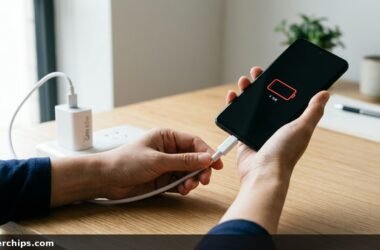
You reach down to unplug your smartphone before heading out, and the power brick feels surprisingly warm against your fingers. You immediately wonder why is my phone charger hot, whether your phone battery is in danger, and if your adapter poses an electrical fire hazard. In most everyday scenarios, a warm power block is completely normal, but distinct warning signs separate harmless thermal dissipation from dangerous hardware faults.
Every modern phone charger converts high-voltage alternating current (AC) from your home electrical outlet into low-voltage direct current (DC) suitable for lithium-ion battery cells. No power conversion process is one hundred percent efficient. The energy lost during voltage step-down transformation inevitably escapes as ambient thermal heat. When temperatures climb beyond safe operational boundaries, faulty components, damaged cables, or blocked airflow are usually to blame.
Phone chargers get warm because internal transformers and switching circuits dissipate waste heat during voltage conversion. Under modern fast-charging protocols (USB Power Delivery and Quick Charge), surface temperatures between 105°F and 135°F (40°C to 57°C) are completely normal while your battery charges from zero to fifty percent. However, if the adapter exceeds 145°F (63°C), emits a burning plastic smell, shows brown scorch marks, sparks at the wall socket, or melts its casing, unplug it immediately. Extreme heat points to internal component failure, damaged cable copper, or a counterfeit uncertified brick.
- ✓Conversion Inefficiency: Ten to fifteen percent of incoming wall electrical energy turns into heat during the AC-to-DC conversion cycle.
- ✓Fast Charging Peaks: Heat output peaks during the initial rapid-fill stage, then drops dramatically once your phone passes seventy percent.
- ✓Critical Stop Signs: Burning odors, warped plastic housing, or audible buzzing warrant immediate disposal to prevent home fires.
The Science of Charging Heat: How Adapters Dissipate Power
Your wall receptacle delivers 120 volts (or 240 volts internationally) of high-voltage alternating current. Your smartphone battery requires between 5 volts and 20 volts of smooth direct current. Inside that small plastic charging brick rests a switch-mode power supply packed with rectifiers, step-down transformers, capacitors, and solid-state MOSFET transistors.
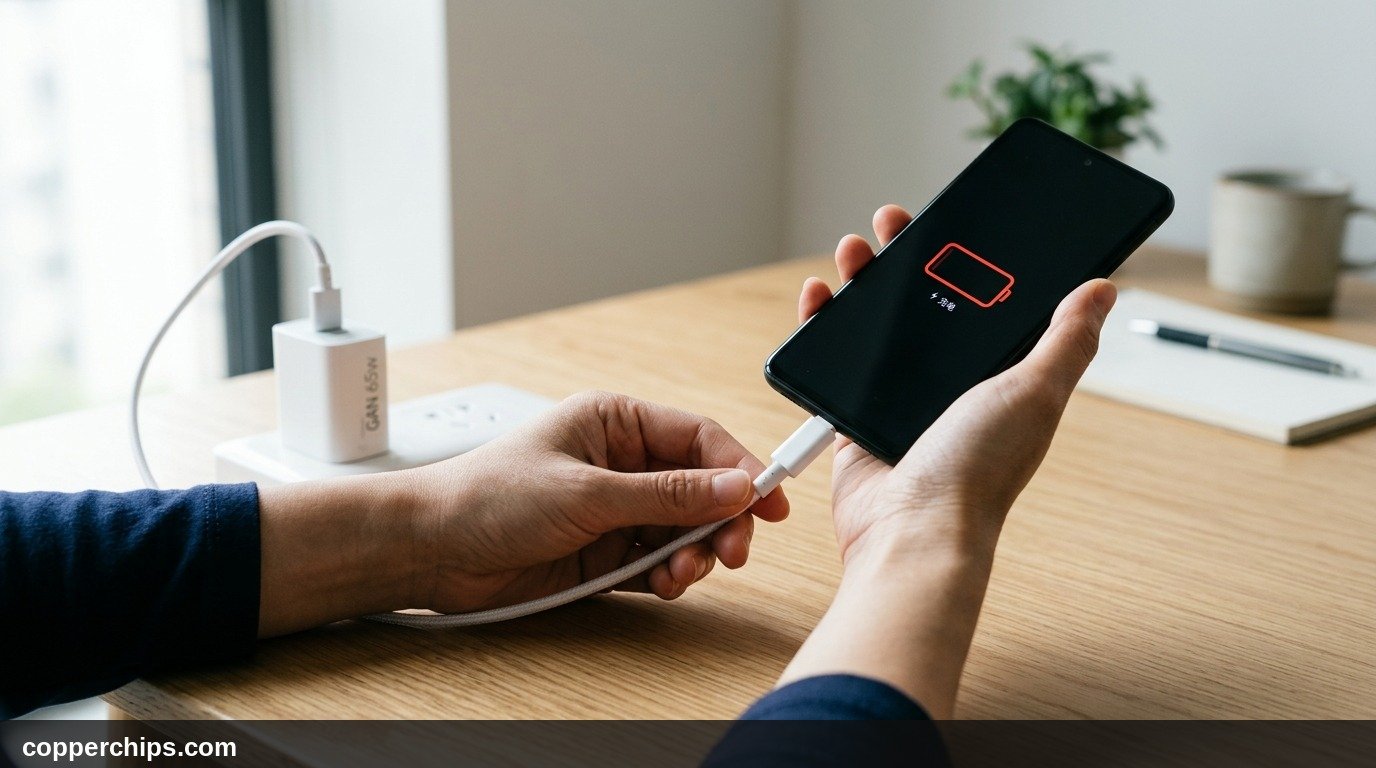
Even premium adapters engineered under official USB Implementers Forum Power Delivery specifications operate at approximately 90 to 95 percent electrical efficiency. If you use a 65-watt fast charger to charge your phone and laptop, roughly five to seven watts of energy are lost as pure heat. Because modern power bricks lack internal cooling fans, all of that thermal energy must radiate directly through the plastic exterior shell.
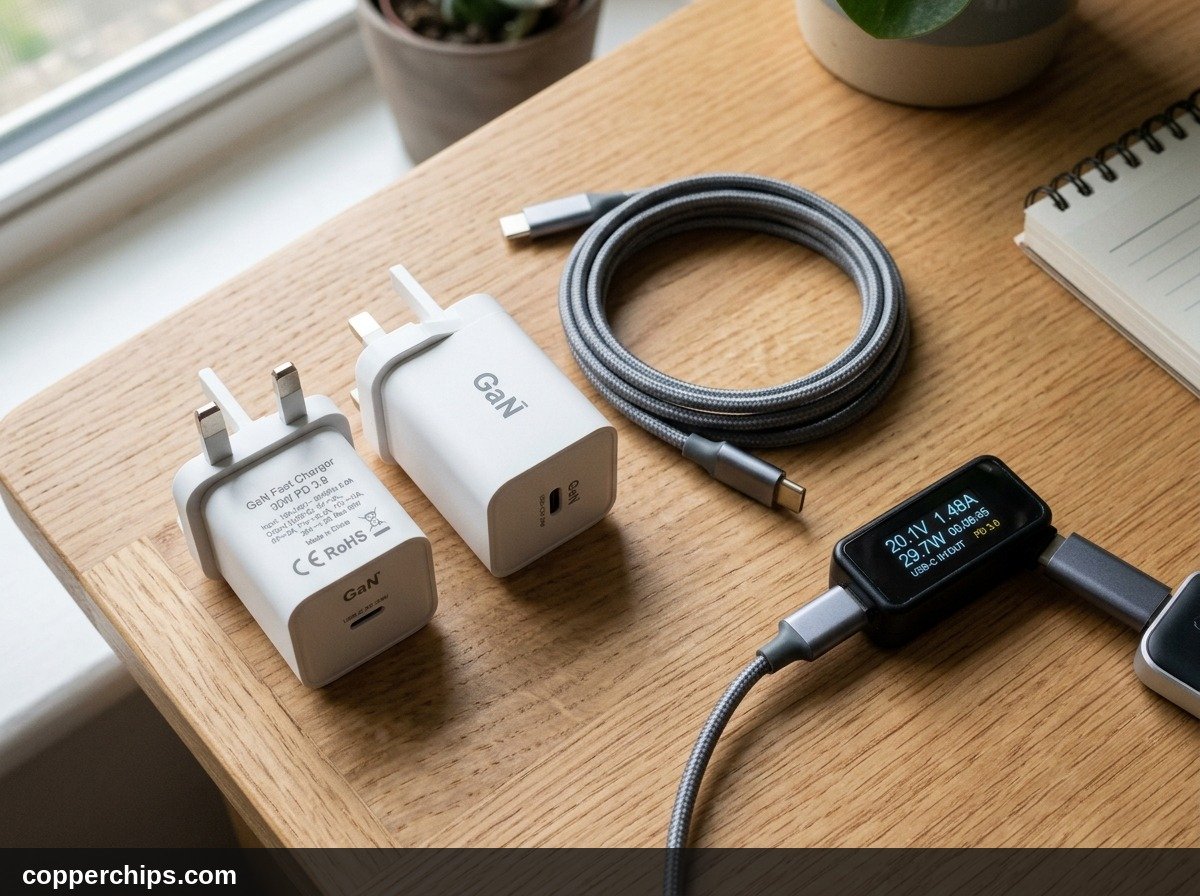
Gallium Nitride (GaN) chargers complicate this perception. GaN components are electrically more efficient than older silicon parts, allowing manufacturers to shrink charger casings by 40 percent. However, shrinking the enclosure concentrates the same thermal dissipation across a significantly smaller surface area. A GaN charger will often feel hotter to your fingertips than a bulky legacy brick, even though it is operating safely within manufacturer tolerances.
Normal Operating Temperature vs. Dangerous Overheating
How hot is too hot? You do not need an infrared thermal camera to evaluate your charger health. Use this real-world temperature reference matrix to determine whether your adapter is functioning normally or posing a hazard.
| Temperature Zone | Tactile Feel | Status | Recommended Action |
|---|---|---|---|
| Under 115°F (46°C) | Pleasantly warm, like a fresh cup of coffee | Normal Operation | No action needed. Standard trickle or slow charging. |
| 115°F to 135°F (46°C – 57°C) | Hot, but comfortable to hold for 10 seconds | Normal Fast Charging | Standard for 30W-65W GaN fast chargers below 60% battery. |
| 135°F to 145°F (57°C – 63°C) | Uncomfortable to touch, reflexively want to let go | Elevated Thermal Load | Improve ventilation. Stop playing games while charging. |
| Over 145°F (63°C) | Painful to touch, smells like hot plastic or fish | DANGEROUS FAILURE | Unplug immediately. Discard adapter and cable safely. |
According to consumer electronics guidelines outlined in Apple official power adapter safety standards, international standard IEC 62368-1 permits external adapter touch temperatures to reach up to 140°F (60°C) under peak sustained load. If the charger is too hot to hold for five full seconds without pulling your hand back in pain, thermal limits have been breached.
7 Reasons Why Your Phone Charger Gets So Hot
If your power adapter runs hotter than normal, one of these seven common mechanical or environmental triggers is driving up resistance and thermal output.
1. High-Wattage Fast Charging Protocols
Modern fast charging delivers between 25W and 120W into a battery during its initial charge cycle. When your phone sits below 30 percent, the charging brick outputs maximum amperage. As the battery approaches 80 percent, the onboard power management IC commands the charger to throttle down voltage, allowing the brick to cool down naturally.
2. Poor Airflow and Smothered Ventilation
Plugging your charger into a wall socket tucked behind a heavy bed headboard, under a pile of laundry, or beneath sofa cushions traps heat completely. Power bricks rely entirely on passive ambient convection. Without moving air, thermal energy builds continuously until internal safety cutoffs trip.
3. Frayed or Damaged Charging Cables
Charging cables endure hundreds of bends, tugs, and twists. Over time, internal copper strands snap inside the strain relief collar near the plug neck. When partial wire breaks occur, the remaining intact copper strands must carry the full current load, creating severe localized electrical resistance ($P = I^2 R$) that scorches the cable end and overheats the charger.
4. Dirty or Oxidized Charging Port Pins
Pocket lint, grease, and moisture oxidize the gold pins inside your phone charging port. High contact resistance forces the power brick to work harder to maintain regulated current delivery. If you recently experienced moisture warnings, consult our guide on phone battery percentage draining while charging to inspect your port.
5. Cheap Counterfeit or Non-Certified Bricks
Unbranded bargain chargers bought from gas stations or discount marketplaces omit critical safety components. Certified products carry safety seals verified through UL electrical safety certification standards or ETL marks. Knockoff adapters skip thermal fuses, over-voltage suppressors, and optocouplers, causing internal transformers to overheat rapidly under standard loads.
6. Heavy Phone Usage While Charging
Playing graphically intensive games, recording 4K video, or running GPS turn-by-turn navigation while plugged in causes thermal compounding. The phone battery draws maximum wattage from the adapter while phone processors simultaneously radiate heat from the back glass, driving both devices into thermal throttling.
7. Worn-Out Wall Outlets with Loose Contacts
Electrical wall receptacles loosen after decades of use. When you plug a heavy charger into a loose socket, the metal prongs make poor mechanical contact. This loose fit creates high-resistance micro-arcing inside the outlet, transferring scorching heat directly into the charger prongs.
How to Cool Down Your Charger and Prevent Damage
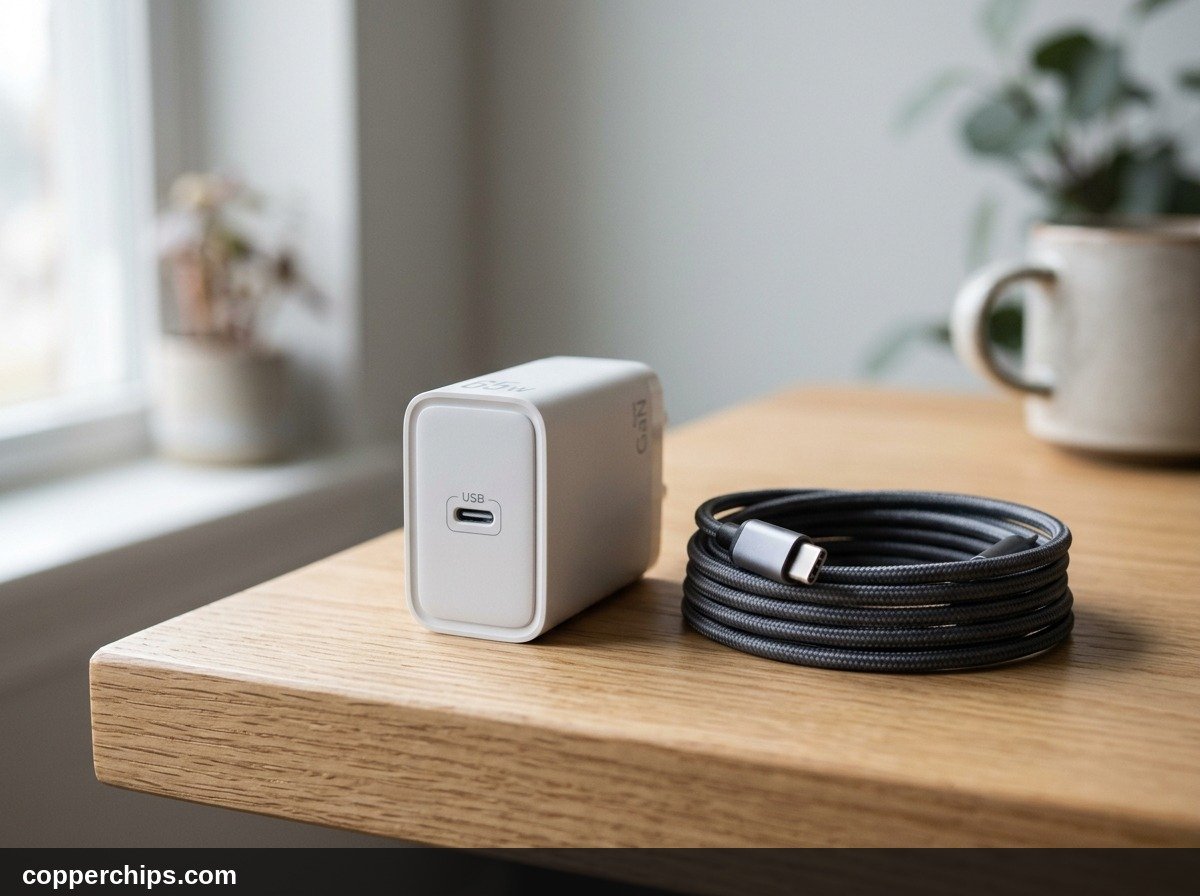
Implementing a few practical charging habits keeps your adapter running cool and extends the operating lifespan of both your charger and phone battery.
- Charge on Hard, Flat Surfaces: Always plug your charger into an open wall socket or rest charging devices on wooden nightstands, tile, or stone counters. Never leave charging phones on plush bedding, pillows, or thick shag carpets.
- Remove Heavy Phone Cases: Bulky rubber or leather armor cases trap battery heat. Removing the phone case during fast charging allows ambient air to dissipate warmth from the rear chassis.
- Replace Frayed Wires Promptly: If a charging cable feels hot near either connector collar, discard it immediately. Premium braided cables with thick 20 AWG or 22 AWG copper power lines carry high current with minimal resistive heat loss.
- Unplug Once Full: Leaving devices tethered for hours after reaching 100 percent keeps chargers trickling idle standby power. Unplugging reduces thermal fatigue on internal capacitors.
- Clean Port Contacts: Use a dry wooden toothpick or non-conductive plastic dental pick to clear compacted pocket lint from your device port. For a complete walkthrough on restoring damaged charging hardware, read our tutorial on fixing a phone charger that stops working.
Frequently Asked Questions
Can a hot phone charger start an electrical fire?
Certified name-brand chargers (from Apple, Samsung, Anker, and Google) contain internal thermal cutoff fuses designed to sever electrical connections before combustion occurs. However, counterfeit or physically damaged adapters lack these protective failsafes and pose legitimate fire hazards if left unattended on flammable bedding.
Why is the metal connector plug on my cable burning hot?
A burning-hot cable connector indicates damaged copper wiring or dirty electrical contacts at the plug joint. High electrical resistance across damaged pins forces current through a microscopic choke point, generating intense localized heat that can melt the connector housing.
Is a GaN charger supposed to get hotter than a regular charger?
Gallium Nitride chargers operate with higher electrical efficiency, but their physically compact enclosures give heat less room to spread out. While the internal components operate cooler than older silicon, the exterior shell often feels warmer because heat conducts to the casing faster.
Why does my charger get hot even when my phone is not connected?
A charger plugged into a wall outlet without a phone attached should stay completely cool. If an idle charger feels warm to the touch or hums audibly, internal transformer coils or capacitors have developed an electrical short circuit. Discard the brick immediately.
Does wireless charging make chargers hotter than cable charging?
Yes. Qi wireless charging is only 70 to 80 percent efficient compared to 95 percent efficiency for wired USB-C connections. The remaining 20 to 30 percent of wasted energy radiates directly as heat through the charging puck and phone rear glass.
The Bottom Line
Recognizing why is my phone charger hot keeps you safe while preserving your device hardware. Moderate warmth during the first thirty minutes of rapid charging is a standard byproduct of modern high-wattage power delivery. As long as the adapter is comfortable to touch, free of strange chemical odors, and resting in an open room with ample ventilation, your hardware is operating as intended.
When an adapter becomes painful to touch, gives off a burnt plastic odor, or shows visible discoloration around the prongs, retire it without hesitation. Investing in certified, safety-rated power hardware protects both your flagship smartphone and your home. For further advice on power delivery protocols, explore our complete cables and chargers troubleshooting directory.
• Internal: Fixing a Phone Charger That Stops Working
• Internal: Phone Battery Percentage Draining While Charging
• Internal: Cables & Chargers Category Directory
• External: Apple Official Power Adapter Safety Standards
• External: USB Implementers Forum Power Delivery Specifications
• External: UL Electrical Safety Certification Standards