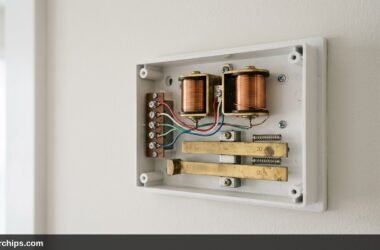
A visitor walks up to your porch, presses the front button, and nothing happens. You discover delivery packages left unattended on your doorstep hours later because your chime never sounded. Determining why is my ring doorbell not ringing requires identifying which part of your setup has failed, whether it is the outdoor speaker, your indoor chime box, or push notifications on your smartphone.
Most doorbell failures stem from low transformer voltage, disabled in-app chime toggles, or weak Wi-Fi signals dropping the initial alert trigger. Ring doorbells demand consistent electrical current and reliable radio handshakes to power their cameras while simultaneously tripping mechanical chime plungers. Depending on where the silence occurs, you can usually solve the problem with a quick app adjustment or a simple wiring inspection.
If your indoor chime is silent, open the Ring app, go to Devices > your doorbell > Device Settings > In-Home Chime Settings > Advanced Settings, and confirm that Chime Type is set to Mechanical or Digital and that the “Ring my in-home chime” toggle is enabled. If your mechanical chime only hums or clicks weakly, your doorbell transformer is likely underpowered and needs upgrading to a 16V 30VA unit and if you receive no sound outside, raise the Doorbell Ringer Volume under General Settings. For missing phone alerts, check your phone’s notification permissions and disable battery optimization for the Ring app.
- ✓Identify the Silent Zone: Determine whether the silence is outside at the button, inside at the wall chime, or on your mobile device.
- ✓Transformer Power: Video doorbells need 16V to 24V AC at 30VA; older 10VA doorbell transformers fail to fire mechanical plungers.
- ✓App Configuration: In-home mechanical chimes remain completely disabled by default until turned on inside the Ring application settings.
Diagnosing the Three Failure Points
Before unscrewing wall plates or replacing hardware, isolate where the breakdown occurs. A Ring system produces audio feedback across three separate endpoints:
- The Exterior Doorbell Button: When pressed, the unit itself should emit a friendly chime tone to let the visitor know the button registered.
- The Interior Wall Chime Box: The traditional mechanical ding-dong chime or digital speaker mounted inside your hallway.
- Your Mobile Devices and Smart Speakers: Push notifications sent to your iPhone or Android phone, as well as voice announcements across connected Amazon Echo devices.
Testing each point separately cuts troubleshooting time in half. Stand on your porch, press the button, and note which of these three targets stays silent.
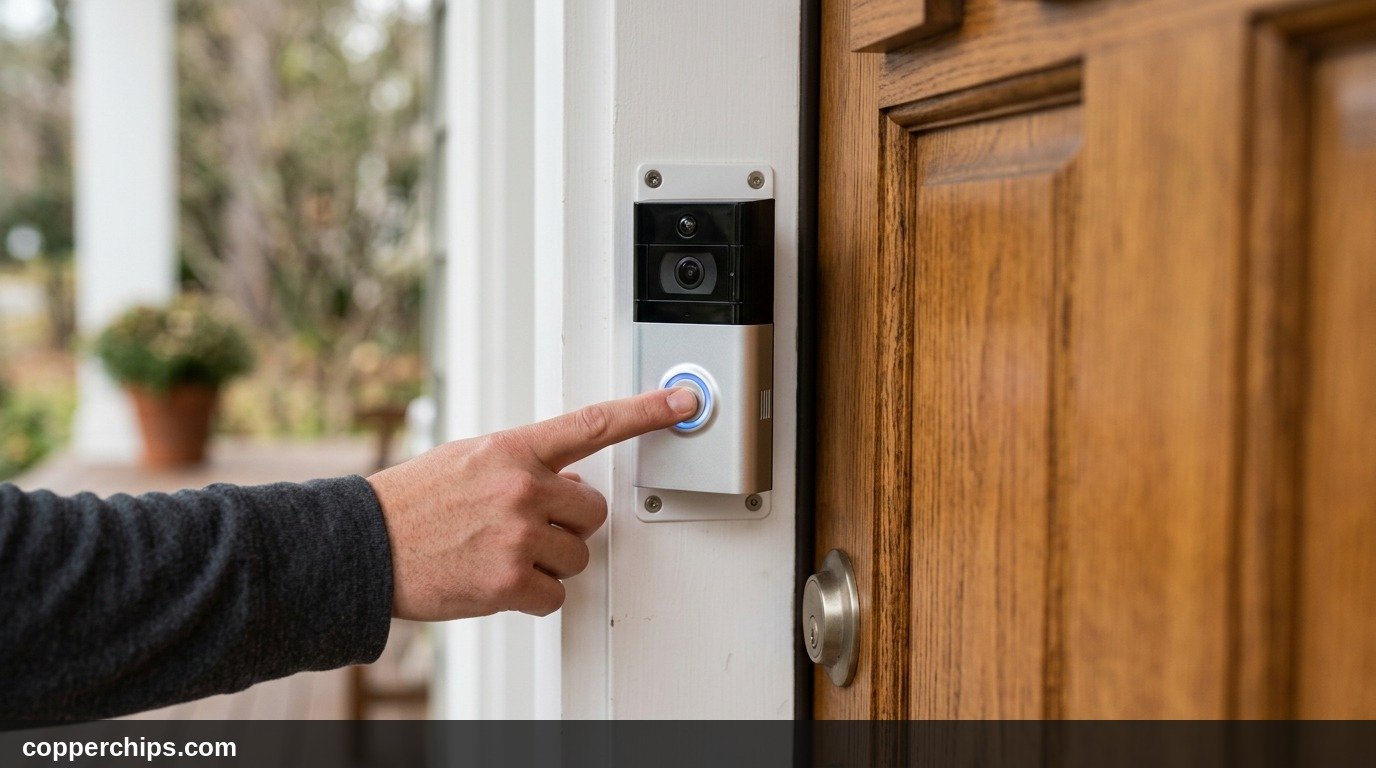
Fix 1: Enable In-Home Chime Settings in the Ring App
The most common reason a newly installed Ring doorbell fails to ring your hallway chime box is a software setting. By default, the Ring app often sets the internal chime type to “None” to protect underpowered transformers from tripping circuit overloads.
- Open the Ring app on your mobile phone and tap the three horizontal lines in the top left corner.
- Tap Devices, then select your video doorbell from the list.
- Select Device Settings, represented by the gear icon.
- Tap In-Home Chime Settings, then select Advanced Settings.
- Set Chime Type: Choose Mechanical if your chime has physical metal bells struck by small plungers. Choose Digital if your chime plays a synthetic melody through an electronic speaker.
- Verify the Toggle: Ensure the switch labeled Ring my in-home chime is toggled to the green ON position. Tap Save in the upper right corner.
Wait thirty seconds for the doorbell to sync this updated setting from cloud servers, then press the front button to test the chime.
Fix 2: Turn Up the Exterior Doorbell Ringer Volume
If visitors complain that the doorbell feels broken because it makes no sound outside when pushed, your exterior speaker volume is likely muted or turned down to zero. The exterior speaker volume is completely independent of your indoor chime volume.
- Navigate to Devices in the Ring app and select your doorbell.
- Tap Device Settings, then choose General Settings.
- Select Volume Settings.
- Adjust the Doorbell Ringer Volume slider: Slide the control to the right until it reaches at least 70 percent. This controls how loudly the unit chimes outside when pressed.
- Check the Doorbell Speaker Volume slider: Ensure this slider is also elevated so you can speak to visitors clearly through two-way talk. Tap Save.
Fix 3: Test and Upgrade Your Doorbell Transformer (16V 30VA Standard)
Traditional non-video doorbells only require a tiny pulse of electrical current to flick a small solenoid plunger once. Consequently, home builders routinely installed cheap 10-volt or 16-volt transformers rated at a meager 10 Volt-Amps (10VA).
A modern smart doorbell is an always-on computing device. It continuously powers an infrared night vision sensor, a video camera, and an active Wi-Fi transceiver. When a visitor presses the button, the unit must suddenly divert heavy current into the mechanical chime circuit. If your transformer only provides 10VA, voltage collapses instantly under load. The camera may reboot, the chime plunger will merely twitch or buzz, and no ring occurs.
- Check Health in App: Open Device Health in the Ring app. Look at the Transformer Voltage reading. A healthy reading displays “Good” (typically 16V to 24V AC). A reading of “Poor” indicates an inadequate power supply.
- Locate the Transformer: Search inside your garage, basement ceiling, near the main breaker panel, or inside the utility closet. Look for a small metal transformer mounted to an electrical junction box.
- Read the Stamp: Inspect the metal faceplate stamp. If it reads 10V-10VA or 16V-10VA, it cannot reliably operate both the video camera and a mechanical chime.
- Upgrade to 16V 30VA: Turn off your main circuit breaker and replace the old unit with a heavy-duty 16-volt, 30VA transformer. According to FCC residential low-voltage guidelines, class-2 transformers rated for 30VA provide the current headroom necessary to eliminate voltage sag in modern smart home entry circuits.
Fix 4: Verify Pro Power Kit or Jumper Cable Wiring
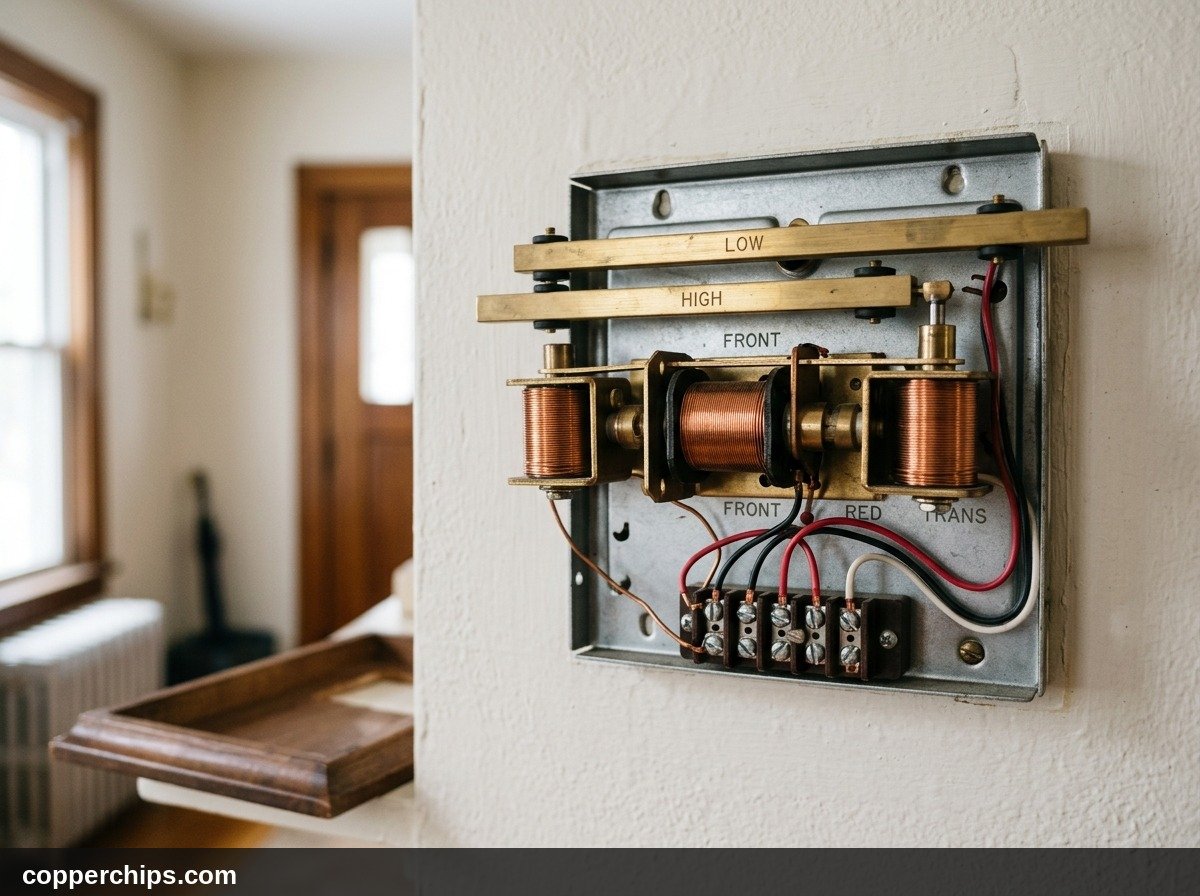
If you own a Ring Video Doorbell Pro, Pro 2, or Video Doorbell Wired, your installation requires an auxiliary module inside your hallway chime box. Omitting or miswiring this component guarantees the chime will fail to sound.
| Ring Model | Required Chime Module | Mechanical Chime Support | Wiring Destination |
|---|---|---|---|
| Ring Video Doorbell Pro & Pro 2 | Pro Power Kit v2 or v3 | Supported | Wired in parallel across FRONT and TRANS |
| Ring Video Doorbell Wired | Orange Jumper Cable | Not Supported (Bypassed) | Shorts FRONT directly to TRANS |
| Ring Battery Video Doorbell (1 to 4) | None (Direct wire) | Supported | Direct screw terminals at front door |
For the Pro models, remove the decorative chime cover. Ensure the two wires from the Pro Power Kit are inserted into the FRONT and TRANS screw terminals alongside your existing house wiring. The Pro Power Kit acts as an intelligent shunt that bypasses current around the chime solenoid during standby, then pulses power through the coil when the front button is pressed.
Fix 5: Resolve Phone Notification and Sleep Mode Blocks
When the outdoor doorbell works and your hallway chime sounds, but your pocket stays silent, the failure is localized to your smartphone operating system. Modern mobile platforms employ aggressive power management that frequently puts background apps to sleep.
On Apple iOS (iPhone):
- Check Focus and Do Not Disturb: Swipe down from the top right corner to open Control Center. Ensure Focus or Do Not Disturb is disabled, or add Ring to your list of Allowed Apps.
- Enable Critical Alerts: Go to iOS Settings > Notifications > Ring. Toggle on Allow Notifications, and check all three alert styles (Lock Screen, Notification Center, Banners).
- Toggle Ring Alerts: Inside the Ring app, open your doorbell page and ensure the primary Ring Alerts toggle switch is activated.
On Android:
- Turn Off Battery Optimization: Open Android Settings > Apps > Ring > Battery. Change the setting from “Optimized” to Unrestricted.
- Allow Background Data: Under Mobile Data, verify that “Allow background data usage” and “Allow data usage while Data saver is on” are both enabled.
- Check App Notification Channels: In Android Settings > Notifications > App notifications > Ring, confirm that “Ring Doorbell Chimes” and “Doorbell Ring Alerts” are not set to Silent.
Fix 6: Troubleshoot Wi-Fi Signal Strength (RSSI Thresholds)
Your Ring doorbell cannot notify your indoor chime or send push notifications if its wireless link drops out. Unlike indoor smart plugs, doorbells mount on the exterior facade of a house, forcing radio waves through dense exterior brick, stone veneers, and foil-backed insulation.
- Open Device Health in the Ring App: Look at the Signal Strength value, measured as RSSI (Received Signal Strength Indicator).
- Interpret Your RSSI Score:
- RSSI -40 to -60 dBm: Excellent signal. Rapid push alerts and zero dropouts.
- RSSI -61 to -70 dBm: Acceptable signal, but may experience slight notification lag.
- RSSI -71 dBm or worse: Critically weak. The doorbell will frequently disconnect, failing to transmit ring events.
- Move Your Router Closer: Relocate your primary wireless router closer to the front entrance hallway, or install a dedicated Wi-Fi extender midway to the door.
For detailed step-by-step assistance optimizing your wireless router placement to penetrate exterior walls, consult our guide to smart home troubleshooting hub articles.
Fix 7: Configure an Amazon Echo Speaker as an Indoor Chime
If you own the Ring Video Doorbell Wired model that lacks mechanical chime support, or if your in-wall wiring is broken beyond repair, you do not need to buy an expensive standalone Ring Chime box. Any Amazon Echo Dot, Echo Pop, or Echo Show speaker can serve as your indoor chime.
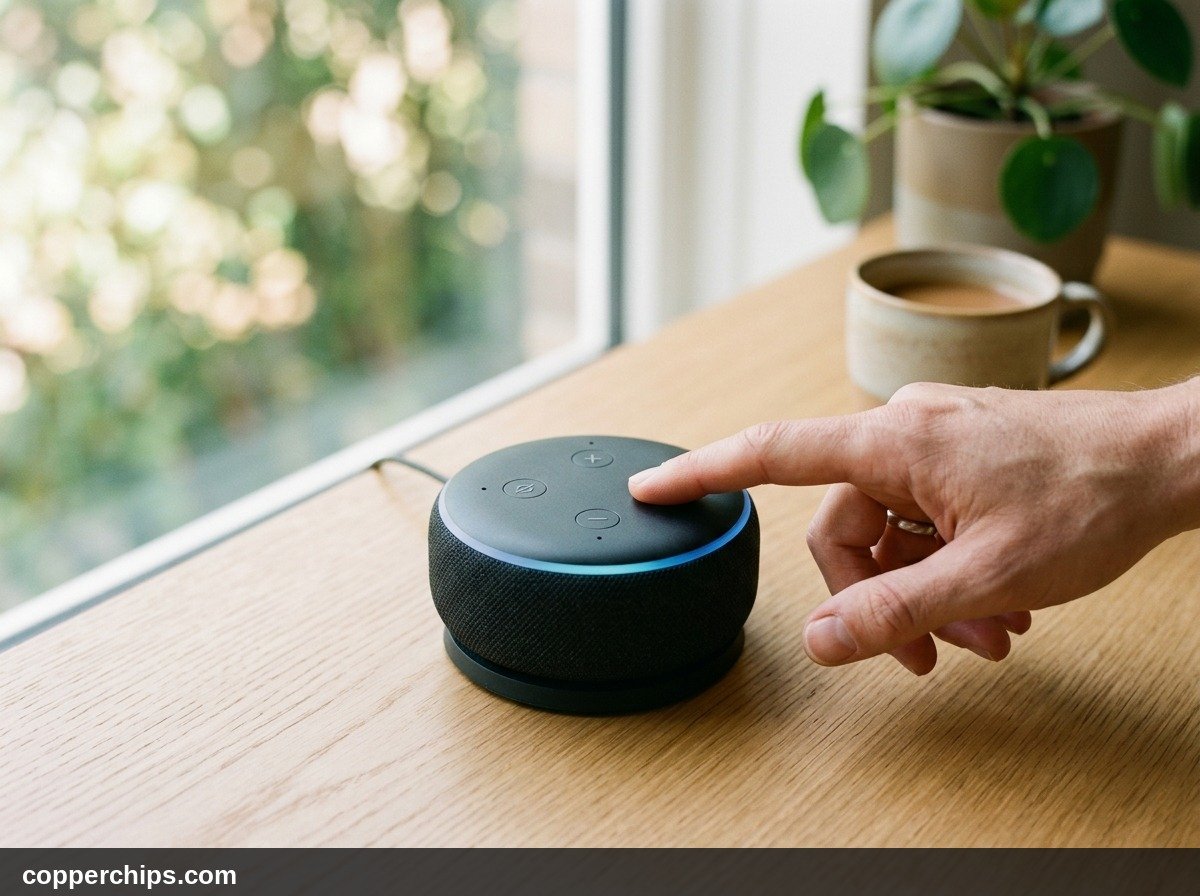
- Open the Amazon Alexa App: Ensure you have linked your Ring account under More > Skills & Games > Ring.
- Select Devices: Tap Cameras or All Devices and select your Ring doorbell.
- Tap Settings (Gear Icon) in the top right corner.
- Enable Doorbell Press Notifications: Toggle this switch to the ON position.
- Tap Announcement Devices: Select which Echo speakers throughout your home should sound off when someone presses the front door button.
- Customize Chime Sound: Tap Doorbell Sound to pick your favorite acoustic chime tone or spoken greeting.
If your Echo speaker fails to broadcast announcements, verify that its microphone is unmuted and review our walkthrough on reconnecting your Alexa smart speaker to ensure it shares a clean network link.
Still Not Working? Advanced Escalation
If you have verified app settings, tested notifications, and confirmed transformer voltage without hearing a single ring, the failure is physical. Take these final diagnostic steps before discarding your equipment:
1. Multimeter Terminal Test at the Front Door
Unscrew the two security screws on the bottom of the Ring doorbell and remove the unit from the mounting bracket. Set a digital multimeter to AC Voltage (VAC). Touch the two probes to the bare copper wire terminals on the wall bracket. If the multimeter reads below 16V AC while the doorbell is attached, high electrical resistance in old wiring is choking power delivery.
2. Manually Test the Mechanical Chime Solenoid
Remove the cover from your hallway chime box. Take an insulated jumper wire or a flat-head screwdriver with an insulated handle. Touch one end to the terminal screw marked FRONT and the other to TRANS for one second. If the plunger fires with a loud ding, your mechanical chime and transformer are fully functional, meaning the fault lies inside the Ring doorbell internal relay. If touching the terminals produces silence or a spark without movement, your chime solenoid is burnt out and must be replaced.
Manufacturer specifications and replacement parts are documented directly in Ring official device support documentation for all legacy and current generation hardware.
3. Perform a Hard Factory Reset
Locate the orange setup button on the back or side of the Ring doorbell housing. Press and hold this button down firmly for a full 20 seconds. The front LED ring will begin flashing rapidly. Release the button and wait two minutes for the device to reboot into setup mode. Re-add the doorbell through the Ring app as a brand-new device to wipe corrupted firmware tables.
Frequently Asked Questions
Why does my mechanical chime hum or buzz after installing Ring?
A humming mechanical chime indicates that continuous AC electrical current is leaking through the solenoid coil instead of bypassing it. On Ring Pro models, this occurs when the Pro Power Kit is missing, damaged, or miswired. On battery models, it means the transformer voltage is fluctuating or the chime type setting is mismatched.
Why does my Ring doorbell work on my phone but the house chime does not ring?
This means your doorbell has sufficient power and Wi-Fi to communicate with cloud servers, but its physical relay cannot trip your in-wall chime. Common causes include an unselected In-Home Chime Type in app settings, a weak 10VA transformer, or loose wires at the FRONT and TRANS chime box terminals.
Do I need a Ring Chime if I have an existing doorbell chime?
No. If your house already has an operational mechanical or digital chime connected to a 16V 30VA transformer, most Ring models (except the Video Doorbell Wired) can trigger your existing chime directly. A separate Ring Chime is only required if you have no pre-existing doorbell wiring.
Why is there a delay between pressing the Ring doorbell and hearing the chime?
Mechanical chimes wired through a Pro Power Kit should ring within 100 milliseconds of a button press. However, phone alerts and Alexa Echo chimes rely on cloud servers. If your doorbell has high Wi-Fi latency (RSSI worse than -68 dBm), processing the ring event can take between three and eight seconds.
Does cold weather stop a Ring doorbell from ringing?
Yes. Battery-powered Ring doorbells struggle when temperatures drop below freezing (32°F / 0°C). Lithium-ion batteries lose the chemical ability to discharge high current quickly in extreme cold, causing the doorbell to fail to sound the mechanical chime even if hardwired to power.
The Bottom Line
Solving why is my ring doorbell not ringing comes down to methodically checking each link in your audio chain. Start inside the Ring mobile application by confirming that your In-Home Chime Type is explicitly enabled and your Doorbell Ringer Volume is turned up. These quick software adjustments resolve the vast majority of silent doorbells in under two minutes.
If software settings look correct but your mechanical chime remains lifeless, inspect your transformer and chime box. Upgrading an aging 10VA builder-grade transformer to a modern 16V 30VA unit gives your video doorbell the current necessary to power both its high-definition camera and your physical chime plungers reliably. For additional connectivity and smart equipment setup advice, visit our smart home troubleshooting hub.
• Internal: Reconnecting Your Alexa Smart Speaker
• Internal: Smart Home Category Hub
• External: Ring Official Device Support Documentation
• External: FCC Residential Low-Voltage Guidelines