

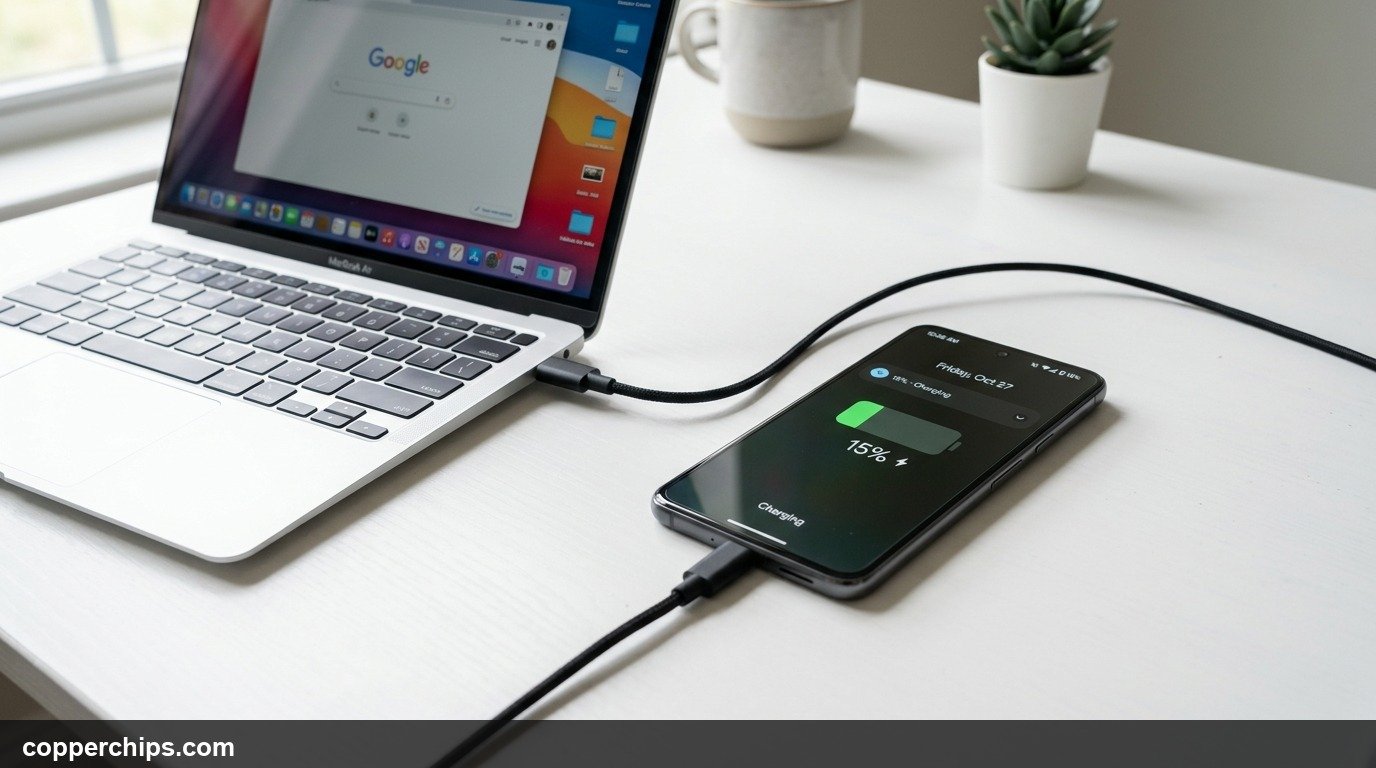
You are away from home, your battery is blinking red at four percent, and your wall adapter is nowhere to be found. Losing power when you need GPS navigation, boarding passes, or an urgent phone call creates immediate stress. Most people assume that without their standard wall block, their smartphone is completely useless until they buy a replacement.
To charge your phone without a standard wall charger, connect your charging cable to a powered laptop USB port, car infotainment port, or the USB service slot on the back of a television. If you have no cable, borrow a friend’s phone that supports reverse wireless charging (such as Samsung Wireless PowerShare or Google Pixel Battery Share) and place the two devices back-to-back. Avoid dangerous viral internet tricks like microwave heating or battery rubbing, which permanently ruin lithium-ion battery cells.
- vAlternative Power Sources: Laptops, modern TVs, car USB ports, and airplane seat consoles provide between 0.5A and 2.4A of continuous 5V current.
- vCable-Free Option: Reverse wireless charging lets modern Android flagships act as wireless charging pads for iPhones, Pixels, and accessories.
- vSafety Warning: Never slice open random USB wires or connect loose batteries directly to charging pins without a regulated circuit board.
Why Standard Chargers Are Not Your Only Power Option
Modern mobile phones rely on universal 5-volt direct current (DC) power delivery standards. The bulky wall block you plug into electrical sockets is simply an AC-to-DC transformer. It steps down 120V or 240V alternating current from your household wiring into safe, regulated low-voltage direct current.
Because the USB standard governs power distribution, dozens of everyday household and travel appliances already produce regulated 5V power. As long as you can bridge the connection safely, your phone battery does not care whether its electrons flow from an official wall brick or an office computer.
How to Charge Your Phone Without a Charger: 7 Safe Methods
1. Plug Into a Laptop or Desktop Computer USB Port
Connecting to a laptop USB port is the most accessible alternative method. Even if you left your wall adapter in a hotel room, you likely have your charging cable in a bag or pocket.
- Turn on your laptop or wake it from sleep mode. Most laptops disable power to external ports while fully shut down.
- Insert your USB-A or USB-C connector into the side port of your computer.
- Plug the other end into your phone. Look for the lightning bolt icon on your battery status bar.
Standard USB 2.0 ports deliver 0.5 amps (2.5 watts), while USB 3.0 ports deliver 0.9 amps (4.5 watts). If your laptop has a modern USB-C Power Delivery port, it can output 15 watts or more, charging your phone almost as fast as a standard wall unit.
2. Use Reverse Wireless Charging from Another Phone
You can turn a friend’s smartphone into a wireless charging pad. If you have no cable and no wall adapter, flagship devices from Samsung, Google, and Motorola feature Qi-compatible reverse inductive charging.
- On a Samsung device, swipe down from the top of the screen to open Quick Settings, then tap Wireless PowerShare.
- On a Google Pixel 5 or newer, open Settings > Battery > Battery Share and toggle the switch to ON.
- Place the supplying phone face down on a flat surface.
- Place your dead phone face up directly centered on the back of the supplying phone.
You will hear a chime and see the charging animation appear. This method transfers power at roughly 4.5W to 5W. It is designed for emergency top-ups rather than full battery charges, giving you 15 to 20 percent battery to make critical calls.
3. Use Vehicle USB Ports or 12V Accessory Sockets
Modern cars function as rolling power stations. Almost every vehicle manufactured in the last decade contains built-in USB ports along the center console, dashboard, or glove compartment.
- Turn the car key to the accessory position or start the ignition. Many vehicles cut power to internal USB ports when the engine is off to prevent draining the car starter battery.
- Plug your charging cable into the console USB slot.
- If the port is labeled with a phone icon or “Charge Only”, it will deliver 2.1A or 2.4A fast charging.
If your vehicle only features the traditional round 12-volt cigarette lighter socket, low-profile 12V-to-USB adapters can be purchased at gas stations and convenience stores for a few dollars. These adapters provide reliable high-amperage power directly from the alternator.
4. Tap Into USB Service Ports on Smart TVs and Gaming Consoles
Look behind televisions, monitor panels, and gaming hardware in hotel rooms or living spaces. Smart TVs, desktop monitors, PlayStation consoles, and cable set-top boxes frequently feature powered USB ports designed for media drives and firmware service updates.
- Locate the rear or side input panel of the television or monitor.
- Look for ports marked USB 5V 1A or USB HDD. Ports marked for hard drives output 1.0 to 1.5 amps, which charges phones much faster than basic 0.5A service slots.
- Power on the television screen. Some TVs disable standby power to USB ports when turned off via remote control.
5. Borrow a Portable Power Bank
Power banks are the safest independent battery backup. Dedicated battery packs utilize identical lithium-polymer chemistry to your phone battery, paired with integrated smart controllers that regulate voltage, prevent overcurrent, and automatically stop charging once full capacity is reached.
If you find yourself stuck at an airport, convention center, or transit hub, retail kiosks like Swap-and-Go or FuelRod dispense pre-charged battery packs for a small rental fee. These units usually include built-in Lightning, USB-C, and Micro-USB tether cables attached to the chassis.
6. Utilize Public Charging Stations and Courtesy Kiosks
Airports, libraries, shopping centers, and hospital waiting rooms offer dedicated charging stations. These stations feature either open USB sockets, standard AC electrical plugs, or secured lockers with integrated multi-cables.
7. Use Solar or Hand-Crank Emergency Chargers for Camping
Off-grid and outdoor scenarios require specialized mechanical or photovoltaic energy. Portable solar folding mats can convert direct sunlight into 5V regulated USB power during daylight hours. Hand-crank emergency radio chargers generate current through a small manual dynamo. While a hand crank requires several minutes of steady rotation to generate enough power for a two-minute emergency call, it remains an invaluable tool in disaster scenarios.
Emergency Power Source Comparison
| Power Source | Average Output | Charging Speed | Best Use Case |
|---|---|---|---|
| Laptop USB-C PD | 15W – 30W | Fast (1-2 hours) | Work, travel, hotel rooms |
| Standard PC USB 3.0 | 4.5W (0.9A) | Moderate (3-4 hours) | Office desks, desktop rigs |
| Car USB Port | 5W – 12W | Moderate to Fast | Daily commute, road trips |
| TV USB Port | 2.5W – 5W | Slow (4-5 hours) | Hotel rooms without wall blocks |
| Reverse Wireless Share | 4.5W | Slow Emergency Top-up | Zero cables available |
Dangerous Viral Myths You Must Avoid
Social media platforms like TikTok and YouTube feature dozens of dangerous charging hacks that claim to power smartphones with household items. These methods are destructive hoaxes that permanently damage delicate phone electronics:
- The Lemon or Onion Trick: Connecting copper and zinc nails into citrus fruit creates microscopic galvanic electricity (under 0.5 volts), but lacks the necessary amperage and voltage regulation. Acidic juices can short-circuit the port.
- Microwave Charging: Placing a smartphone inside a microwave oven will spark violently within two seconds, destroying the motherboard, cracking the display, and causing the lithium battery to explode.
- Rubbing the Battery on Fabric: Friction generates static electricity, not usable chemical battery energy. Static discharge can shock sensitive internal controller chips.
- Direct Wire Splicing to 9V Batteries: Stripping an old USB cable and touching the red and black wires to an unmonitored 9V transistor battery sends excessive voltage into a 5V circuit. This destroys the battery power management integrated circuit (PMIC).
Frequently Asked Questions
Can I charge my phone with another phone?
Yes. If one of the devices supports reverse wireless charging (such as Samsung Wireless PowerShare or Google Pixel Battery Share), you can transfer power by placing them back-to-back. You can also connect two modern USB-C phones directly using a USB-C to USB-C cable; the phone with higher battery capacity will automatically begin charging the drained device.
Does charging a phone from a laptop USB port hurt the battery?
No. Laptop USB ports output clean, well-regulated 5V direct current. Charging through a laptop may be slower than a fast-charging wall block because older USB-A ports provide only 0.5 to 0.9 amps, but lower current actually generates less heat, which is gentle on lithium-ion cells.
Why does my phone say “Charging Slowly” when plugged into a TV?
Television USB ports are engineered primarily for firmware updates and low-power USB flash drives, typically supplying only 500mA (0.5 amps). When your phone senses current significantly below the 2A to 3A threshold of modern fast chargers, it displays a charging slowly notification to manage expectations.
Can I charge my iPhone using a wireless charging pad meant for Android?
Yes. Any phone that supports Qi wireless charging can be charged on any standard Qi-certified wireless charging mat, regardless of brand. Apple iPhones (iPhone 8 and newer) charge safely on Qi mats from Samsung, Anker, Belkin, and other accessory makers.
The Bottom Line
Getting caught without a wall adapter is frustrating, but you rarely need to remain without power. If you have your charging cord, locate a laptop, desktop monitor, or vehicle USB port. If you are completely without cords, turn to a friend with an Android flagship to utilize reverse wireless PowerShare.
For more home electronics troubleshooting and hardware tips, explore our dedicated Cables and Chargers guide hub, or check our step-by-step fix if you encounter WiFi connected but no internet access on your home devices.
